Description
This post is a fun experiment to test whether an Orange Pi Zero Single Board Computer (SBC) can mine Duino Coin 💡 and how well it performs. Let’s walk through the process step-by-step! 🚀
🎥 Video Tutorial
🧱 Step 1: Install Armbian Linux on Orange Pi Zero
- 🔽 Download Armbian OS for your Orange Pi Zero from the official Armbian website.
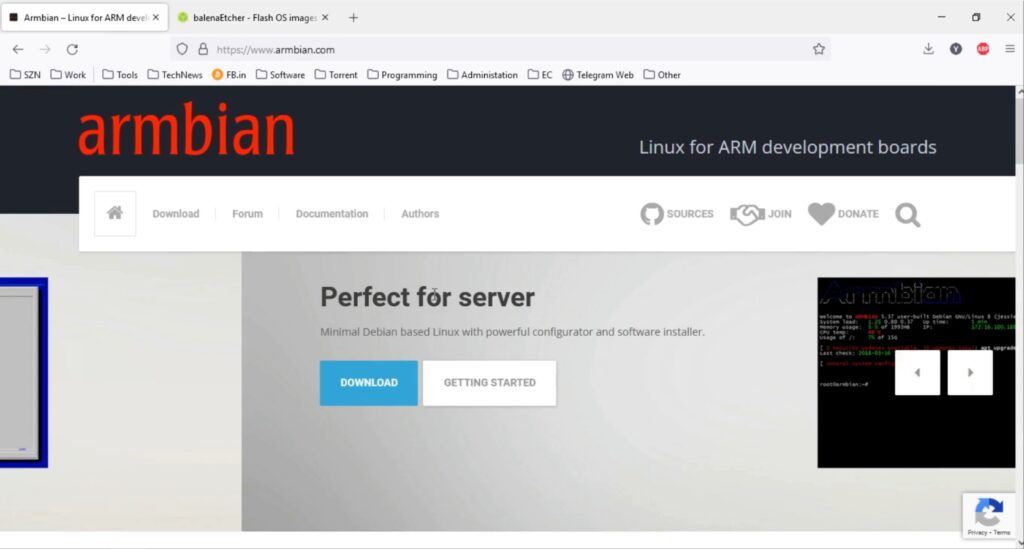
- 🔧 Download and install balenaEtcher.
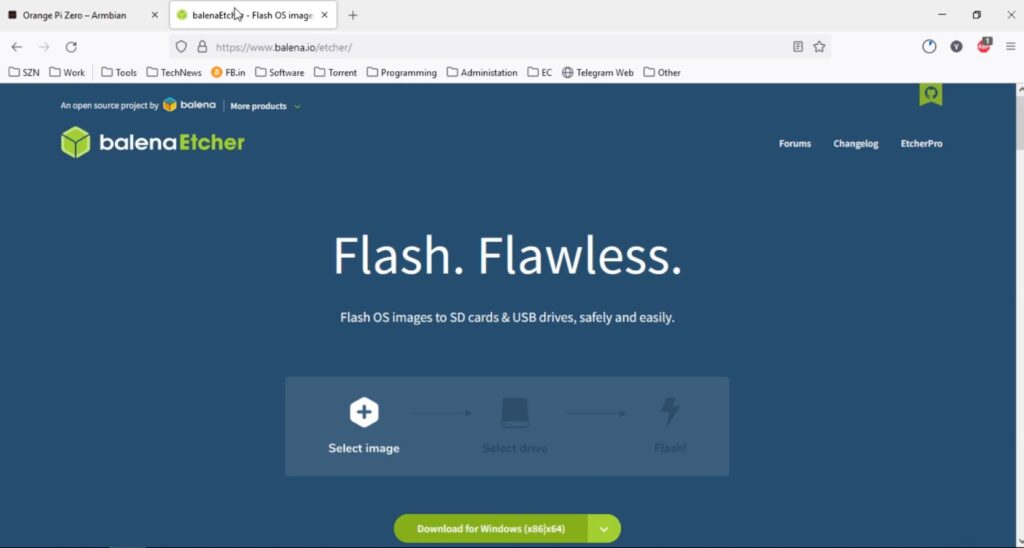
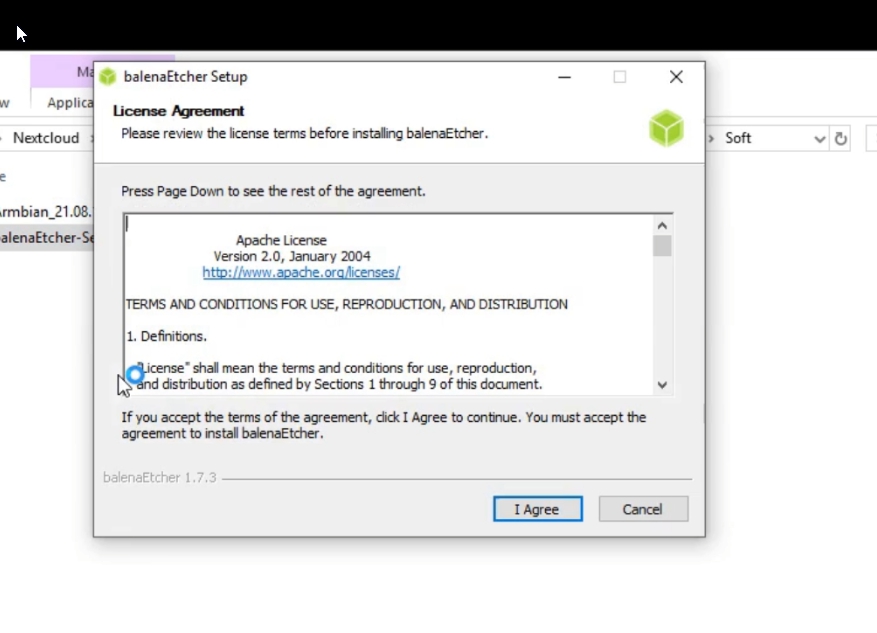
- 🖱 Open Etcher and:
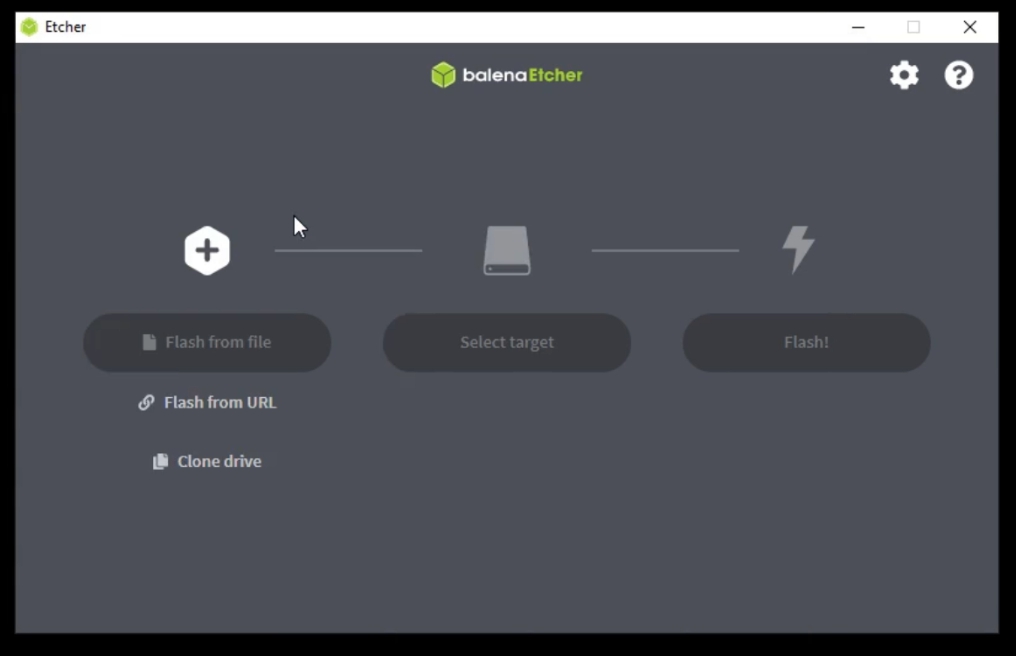
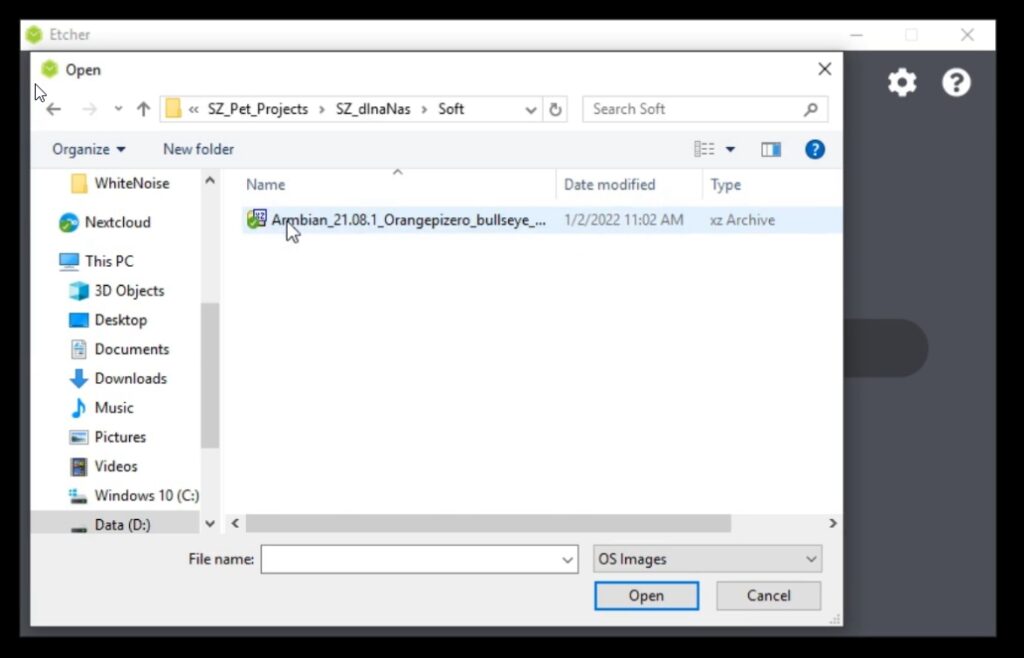
- Click "Flash from file" and select the Armbian image you downloaded.
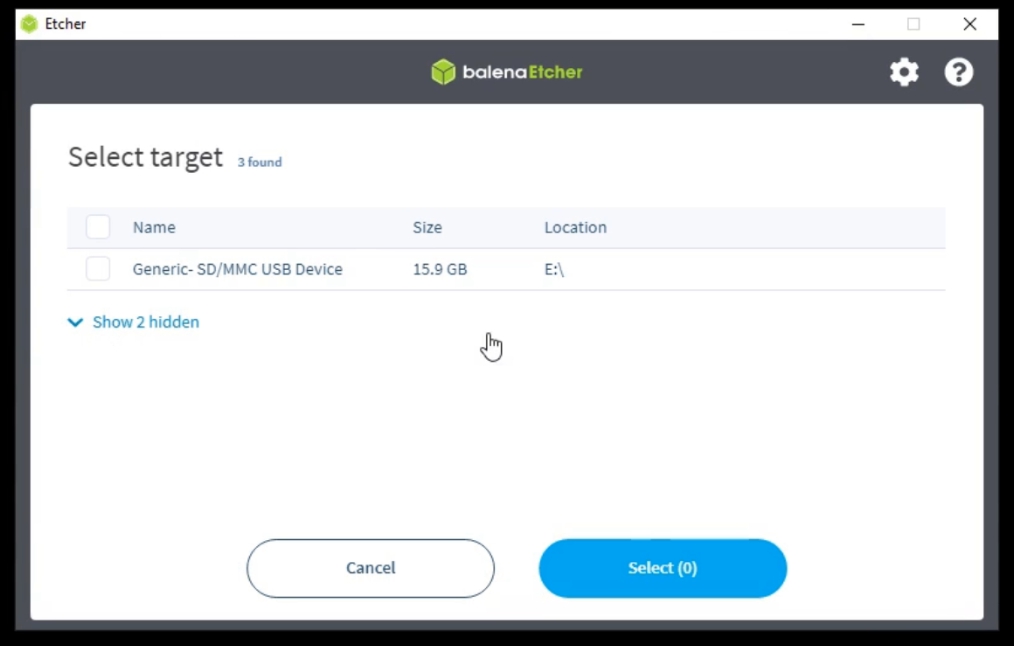
- Click "Select target" and choose the SD card.
- Press "Flash!"
- 💾 Once flashing is complete, insert the SD card into your Orange Pi Zero.
- 🔌 Plug in Ethernet and power.
- 🕐Wait a few minutes — Armbian will expand to use the full SD card and connect to your network via DHCP.
🔗 Step 2: Connect to Orange Pi via SSH
- Use PuTTY or any SSH client.
- Find your Orange Pi's IP address using Angry IP Scanner or check your router’s DHCP list.
- Example IP:
192.168.111.229 - Login using:
- Username:
root - Password:
1234(you will be asked to change it immediately)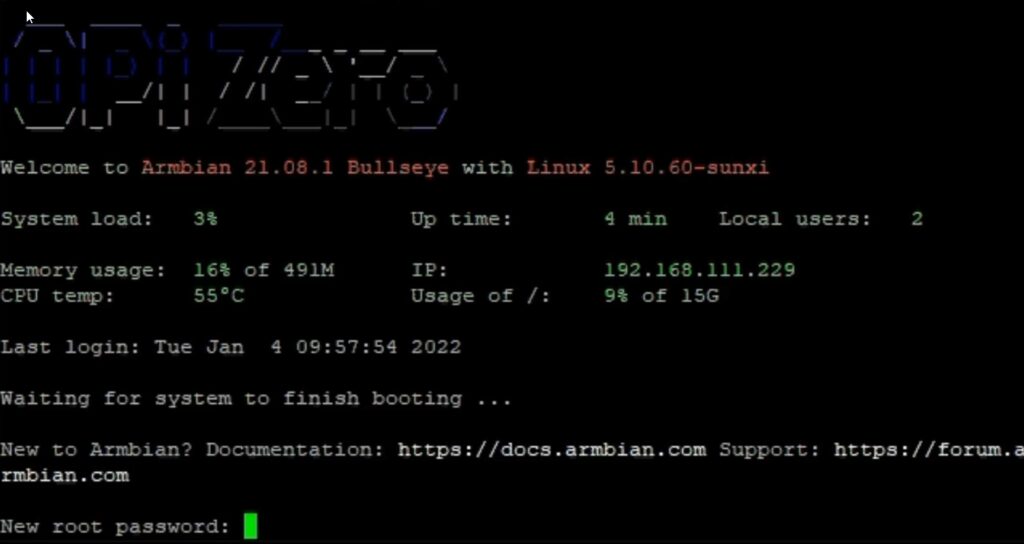
- Username:
- Choose your default shell (Bash or ZSH — I prefer Bash).
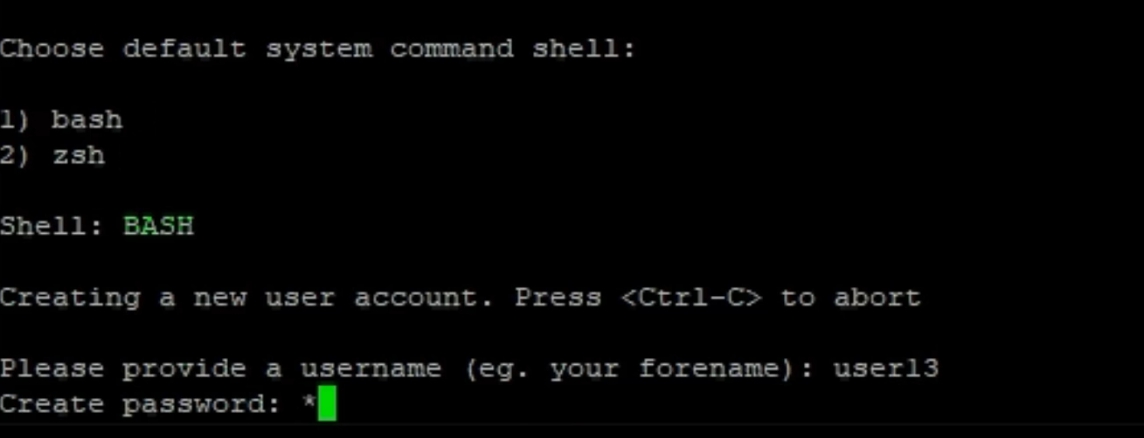
- Optionally create a new user.
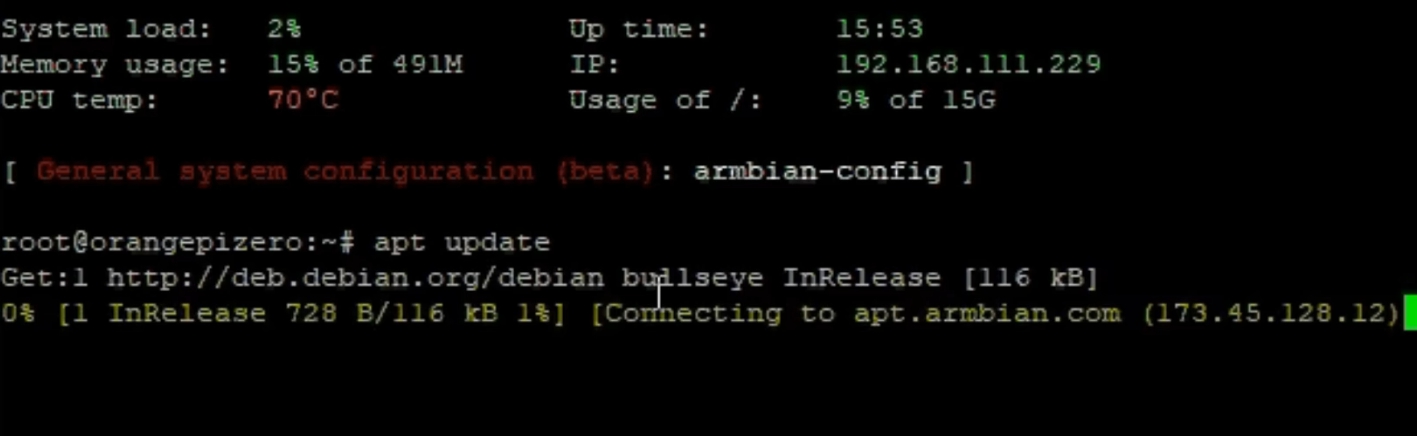
- Run system update commands:
apt update
apt upgrade

🐍 Step 3: Install Python & Dependencies
- Duino Coin requires Python and some libraries to run. Install them:
apt install python3 python3-pip git python3-pil python3-pil.imagetk -y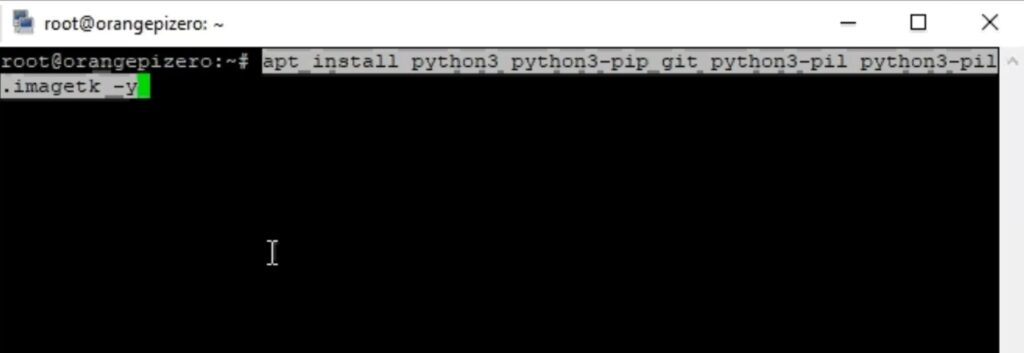
🧬 Step 4: Clone Duino Coin Miner
- Clone the repository:
git clone https://github.com/revoxhere/duino-coin
- Go into the directory:
cd duino-coin - Install required packages:
python3 -m pip install -r requirements.txt ⚠️ Note: I had issues with the
 cryptographypackage, but others installed successfully.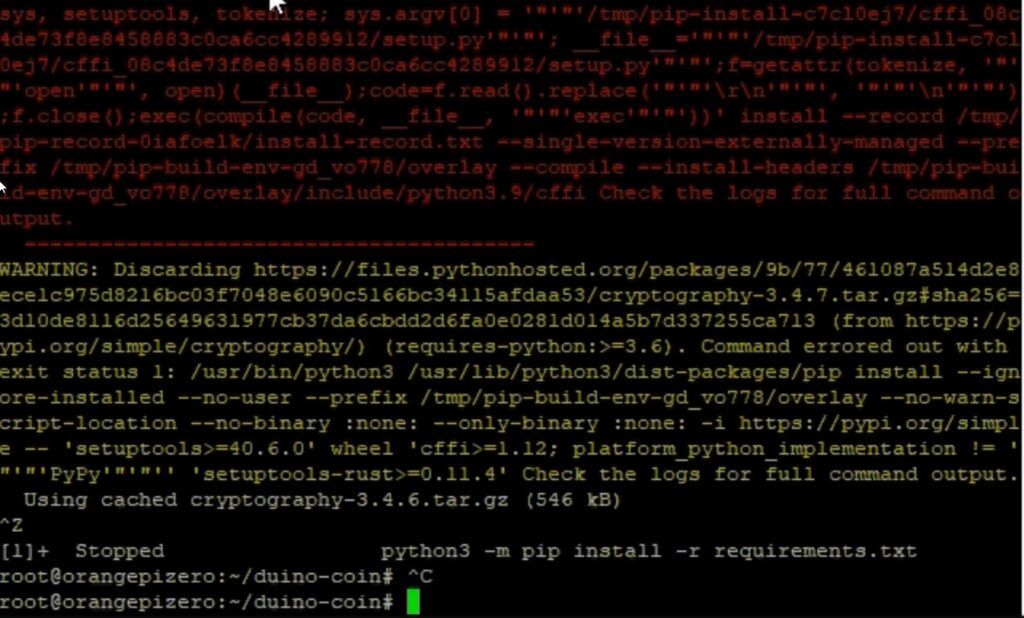
⚙️ Step 5: Run the Miner
- Run the miner:
python3 PC_Miner.py
- If you see a
requestsmodule error, fix it by running:
pip install requests
- Restart the miner:
python3 PC_Miner.py
🧾 Miner Configuration
When prompted:
- 🪙 Enter your Duino Coin wallet username
- 🎚 Choose difficulty → I picked Low (recommended for Raspberry Pi-like devices)
- 🖥 Set Rig name (optional)
- 💖 Enter 1 for developer donation
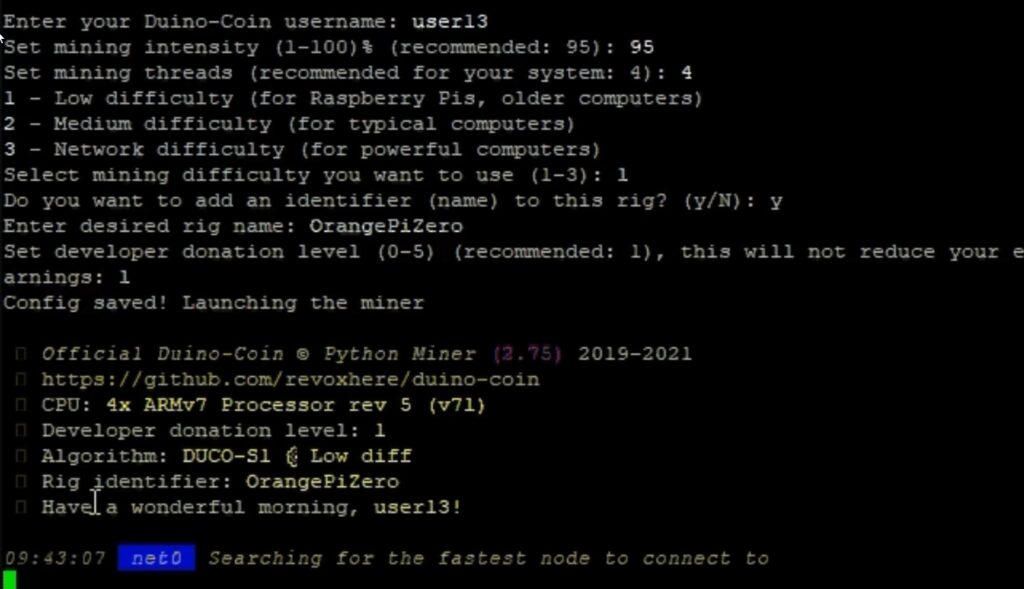
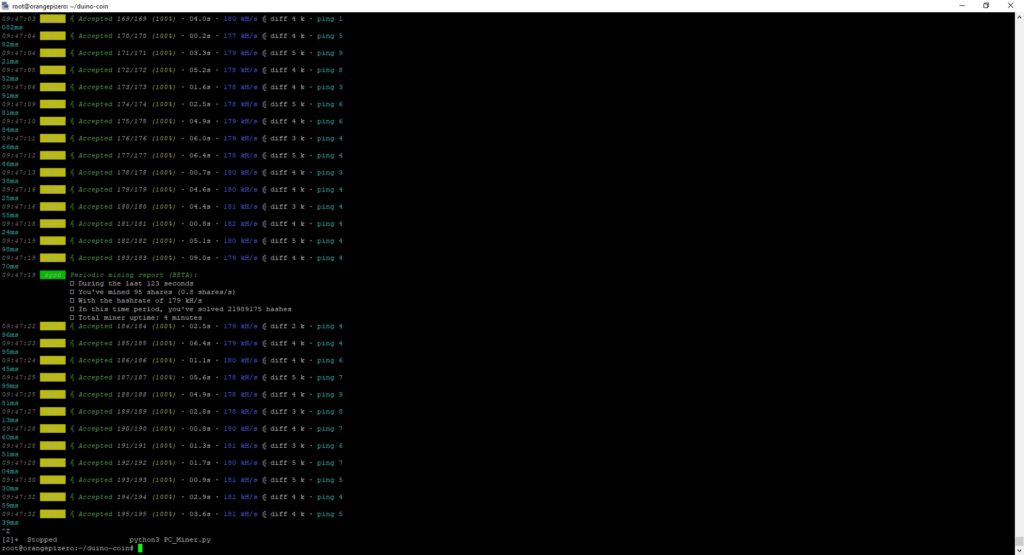
📈 Results
- Mining started successfully! 🎉
- Hashrate: ⚡ 180 kH/s
- Not bad for a \$10 SBC from AliExpress!
📝 Conclusion
This test was done just out of curiosity — can an Orange Pi Zero mine Duino Coin? ✅ Yes! Performance is modest, but interesting given the cost.
👉 I might test this on other devices in the future — stay tuned! 🔍