Description
This post demonstrates how to run the Duino Coin miner on an ESP8266 board and measure its performance. 📉📈
🎥 Video Tutorial
🧰 Requirements
- 🧠 ESP8266 board (e.g., NodeMCU, Wemos D1 Mini)
- 🔌 USB cable
- 🖥 Arduino IDE
- 📡 Wi-Fi network
- 🔐 Duino Coin account
📋 Step-by-Step Instructions
📝 1. Open Miner Code
- Navigate to the Duino Coin repository on GitHub.
- Open the file:
ESP8266_Code.ino.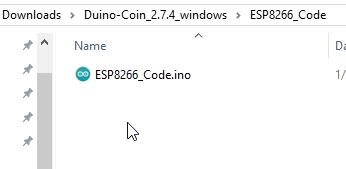
📶 2. Edit Wi-Fi & Miner Settings
Fill in the following fields in the code:
const char* ssid = "Your_WiFi_Name";// 📡 WiFi nameconst char* password = "Your_WiFi_Password";// 🔐 WiFi passwordString username = "Your_Duino_Username";// 👤 Duino Coin wallet usernameString rigID = "MyESP8266Rig";// 🛠 Rig name (optional)

⚙️ 3. Configure Arduino IDE
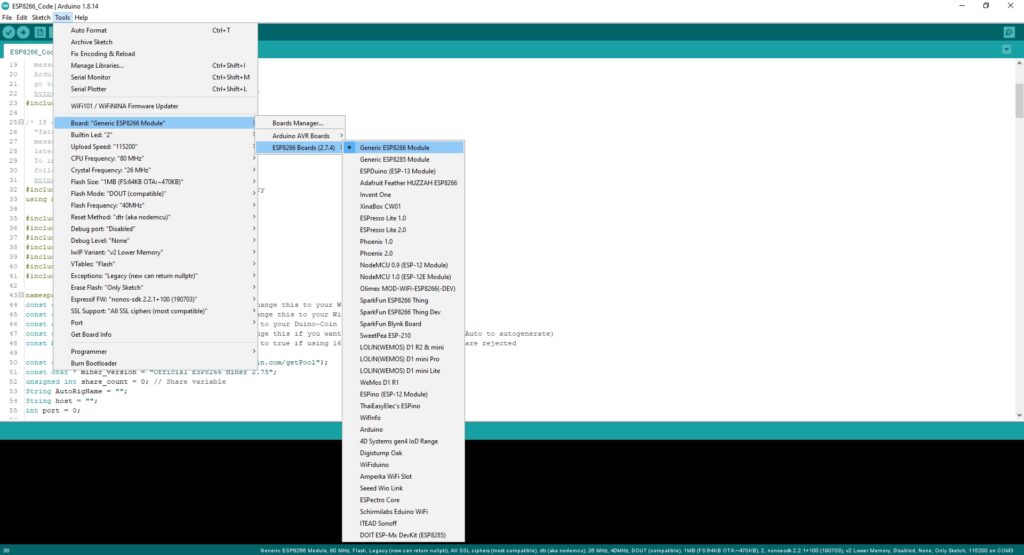
- ✅ Select "Generic ESP8266 Module" from Board Manager.
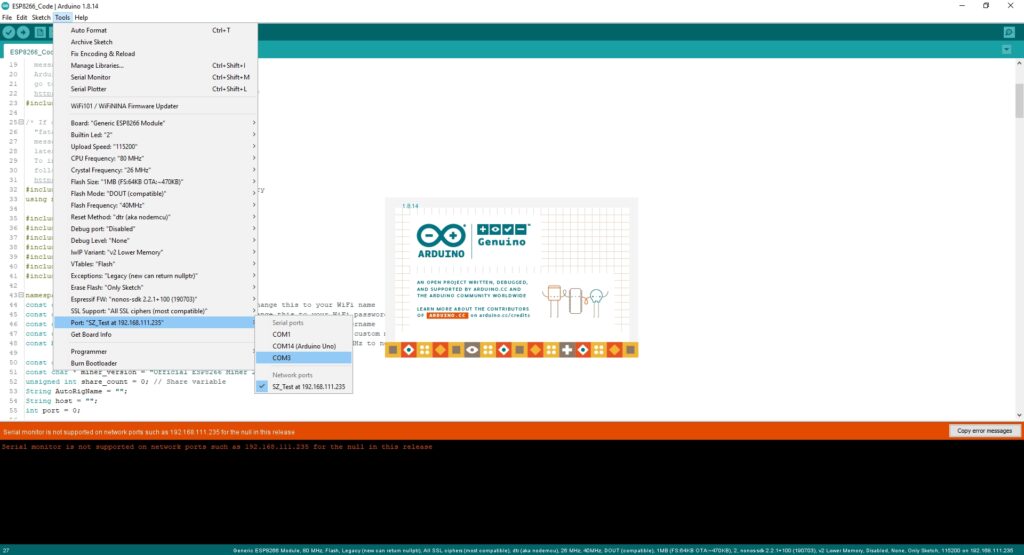
- 🔌 Check your connected COM port (e.g., COM3).
⬆️ 4. Upload Sketch
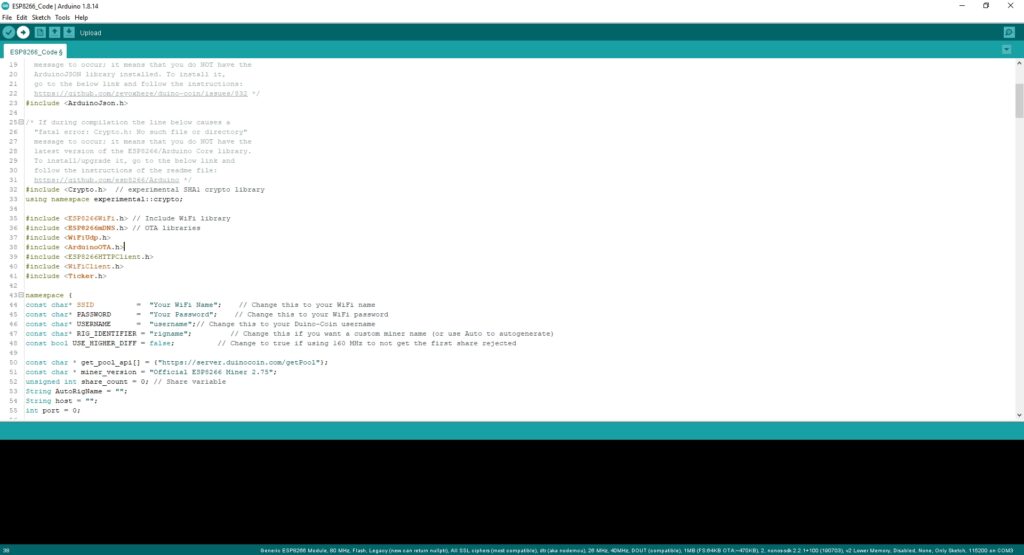
- Press Upload in Arduino IDE.
- Wait for the sketch to compile and upload.
🧾 5. Monitor Output
- Open Serial Monitor.
- Set baud rate to
500000. - If everything is working correctly, you’ll start seeing the hashrate.
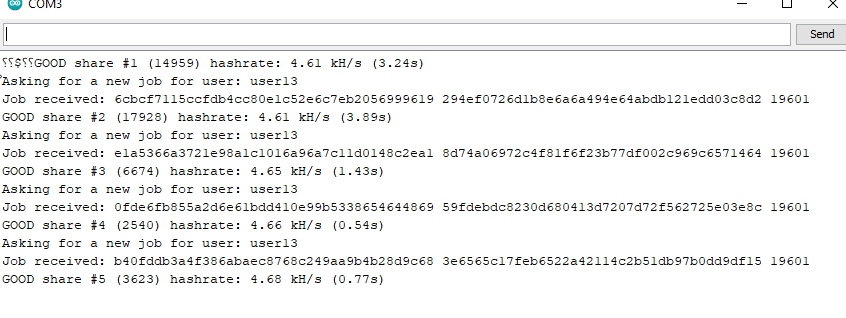
📊 Performance Results
- 📈 Duino Coin Miner Version: 2.74
- ⚙️ Device: ESP8266
- ⚡ Average Hashrate:
4.62 kH/s
📝 Conclusion
The ESP8266 provides a modest hashrate of 4.62 kH/s, which is expected for such a low-power microcontroller. This is a fun and educational project to explore microcontroller-based mining. 🧪🔧