Description
In this tutorial, we’ll mine Duino Coin on a Samsung A40 Android phone using the Termux terminal emulator. 🤖💰
🎥 Video Tutorial
🛠️ Step-by-Step Guide
📥 1. Install Required Apps
- Download and install F-Droid from f-droid.org.
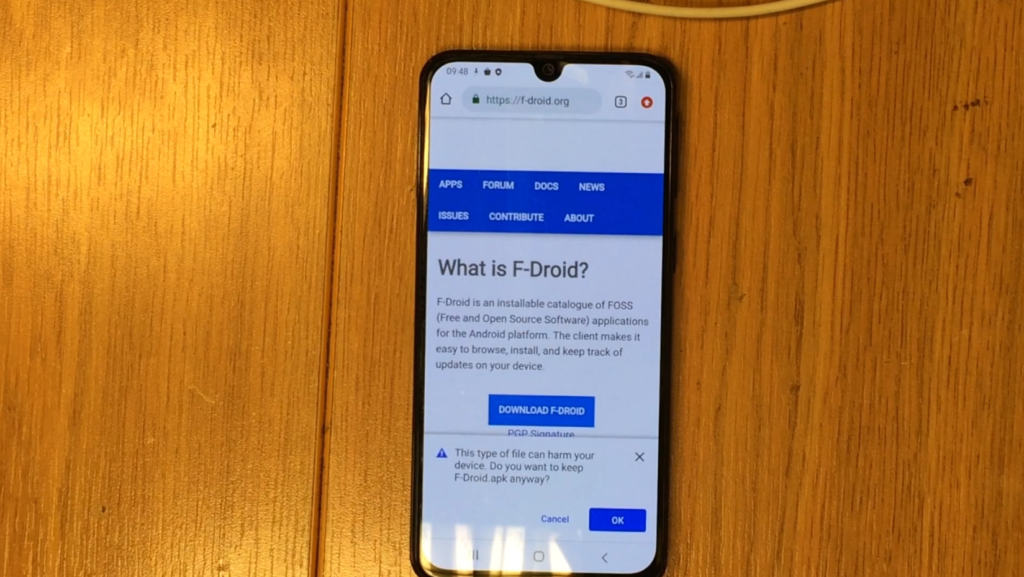
- In F-Droid, search for and install Termux.
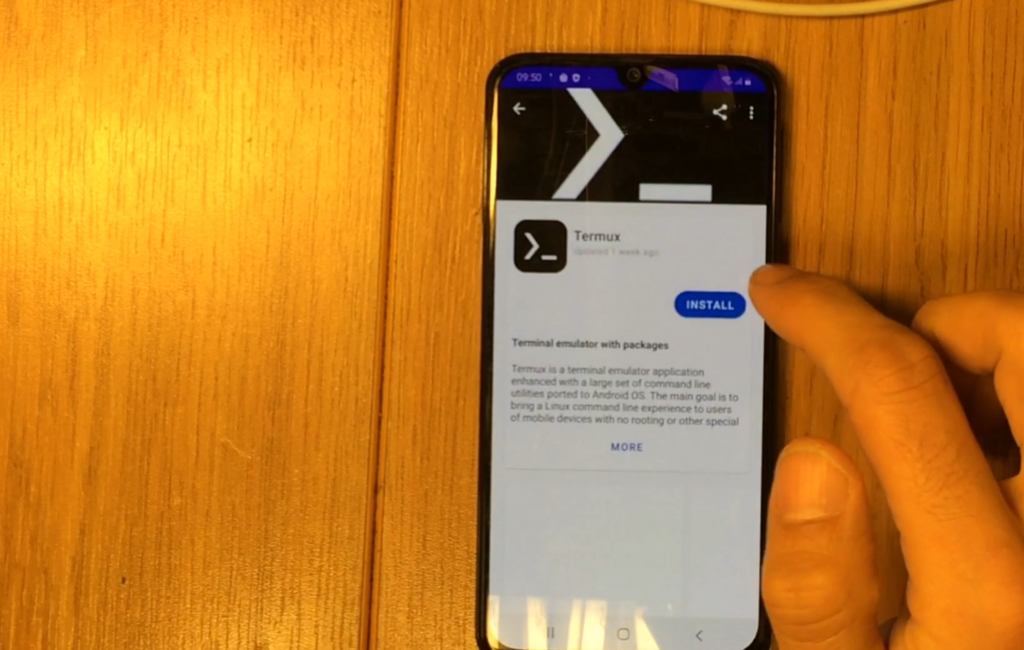
🔧 2. Prepare the Termux Environment
Launch Termux and run the following commands:
pkg upgrade
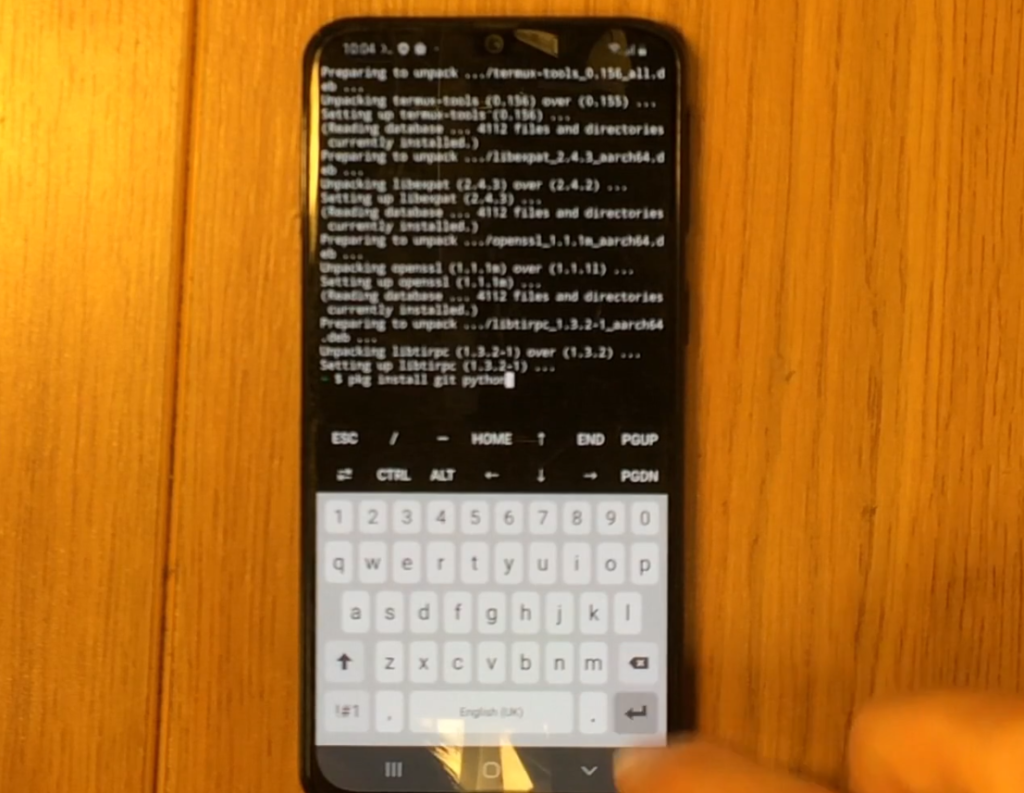
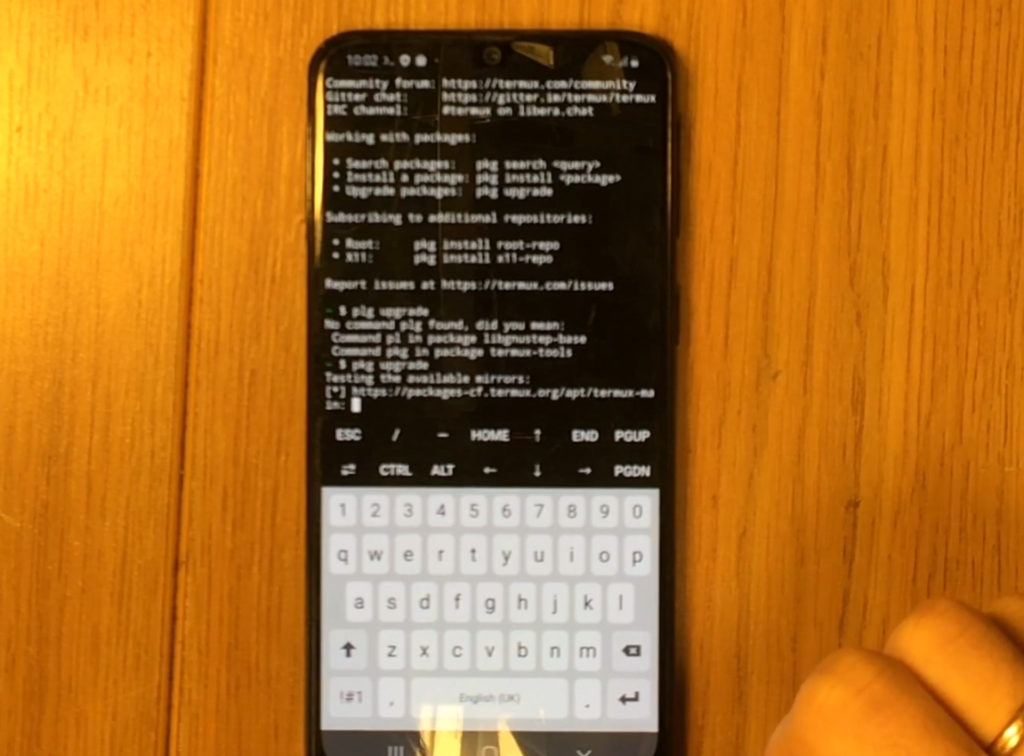 Next, install Python and Git:
pkg install git python
🧬 3. Clone the Duino Coin Miner Repository
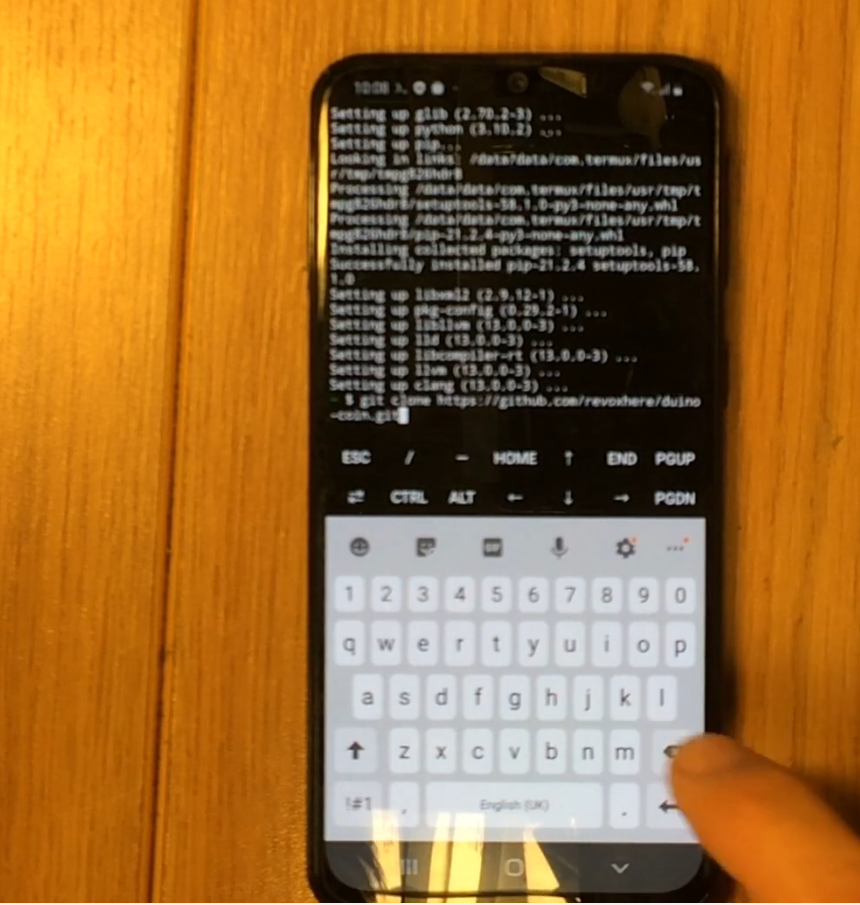
Clone the official miner repository:
git clone https://github.com/revoxhere/duino-coin.git
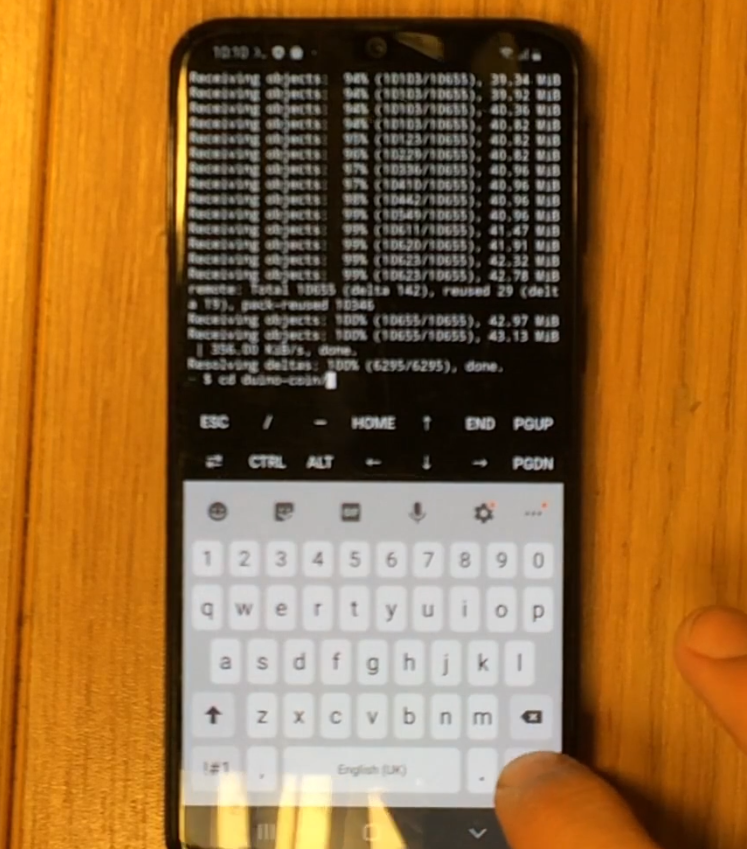
 Navigate to the cloned directory:
cd duino-coin
📦 4. Install Python Requirements
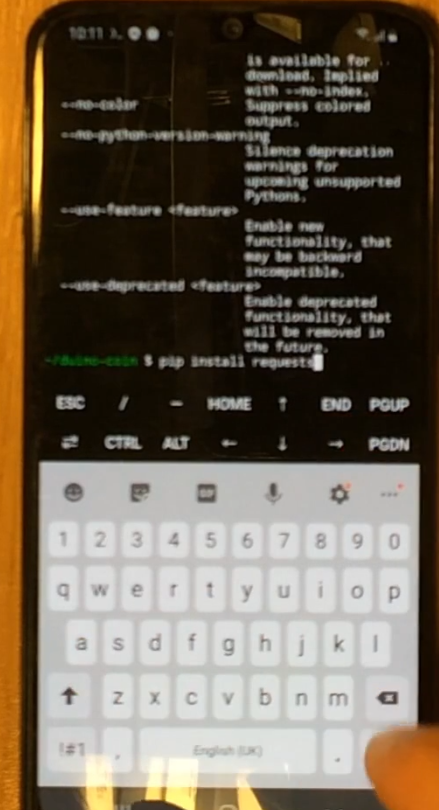
The miner requires the requests module:
pip install requests
⚙️ 5. Start the Miner
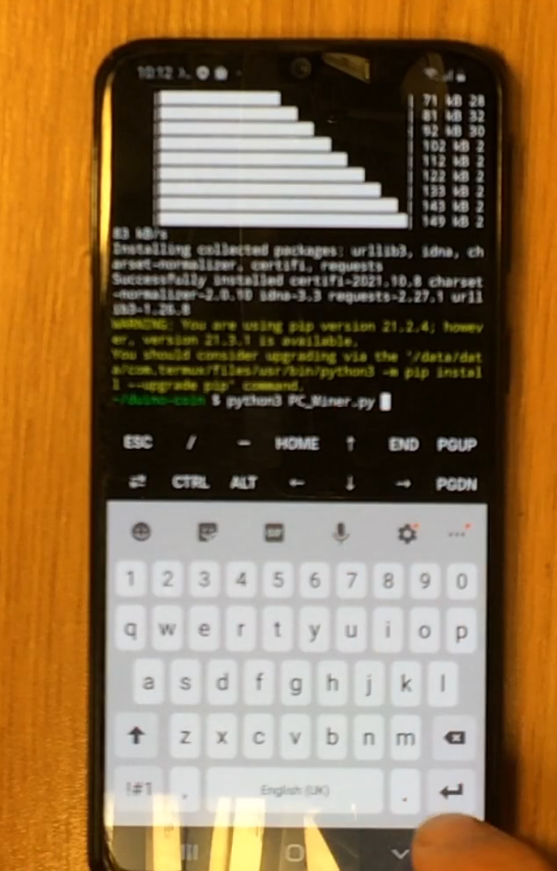
Run the Duino Coin miner:
python3 PC_Miner.py
 Answer the miner setup questions:
- 👤 Enter your Duino Coin wallet username
- 📊 Set mining intensity – Recommended:
95% - 🧵 Set number of mining threads – Use all available
- 🧠 Select mining difficulty – Use
Lowfor mobile devices - 🖥 Add an identifier (rig name)? – Yes (optional)
- 🏷 Enter desired rig name – Type your preferred name
- 💖 Developer donation level (0–5) – Recommended:
1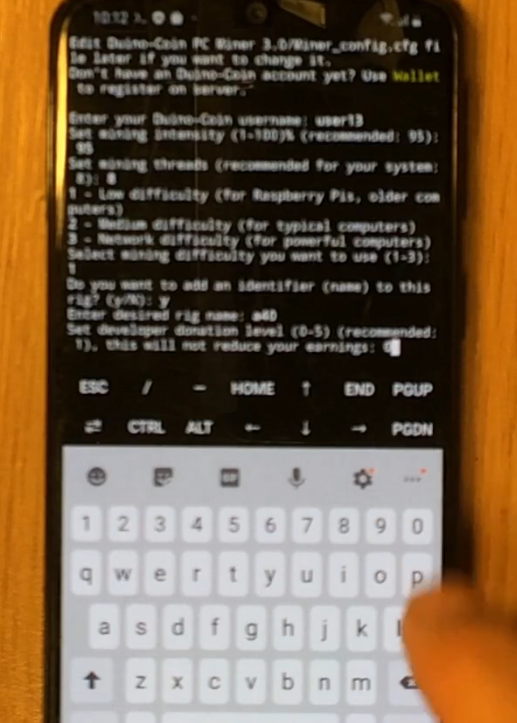
🚀 Start Mining
✅ That’s it! The miner will start and display your mining speed in real-time. 📈
📌 Notes
- 🔋 Be aware that mining can cause your phone to heat up and drain the battery quickly.
- ⚠️ This method is for educational or experimental use — mobile mining is not efficient long-term.
Happy Mining! 🛠💎📲