Today we’re testing an unofficial Duino Coin miner by @pumafron that runs standalone on an Arduino UNO with an Ethernet shield — no PC or AVR miner needed! 🥳
🎥 Video Tutorial
🧰 What You’ll Need
- ✅ Arduino UNO
- ✅ Arduino Ethernet Shield
- ✅ Local network with DHCP
- ✅ Duino Coin wallet username
🔽 Step 1: Download the Miner
📦 Clone or download the repository:
https://github.com/Pumafron/DuinoCoinEthernetMiner.git
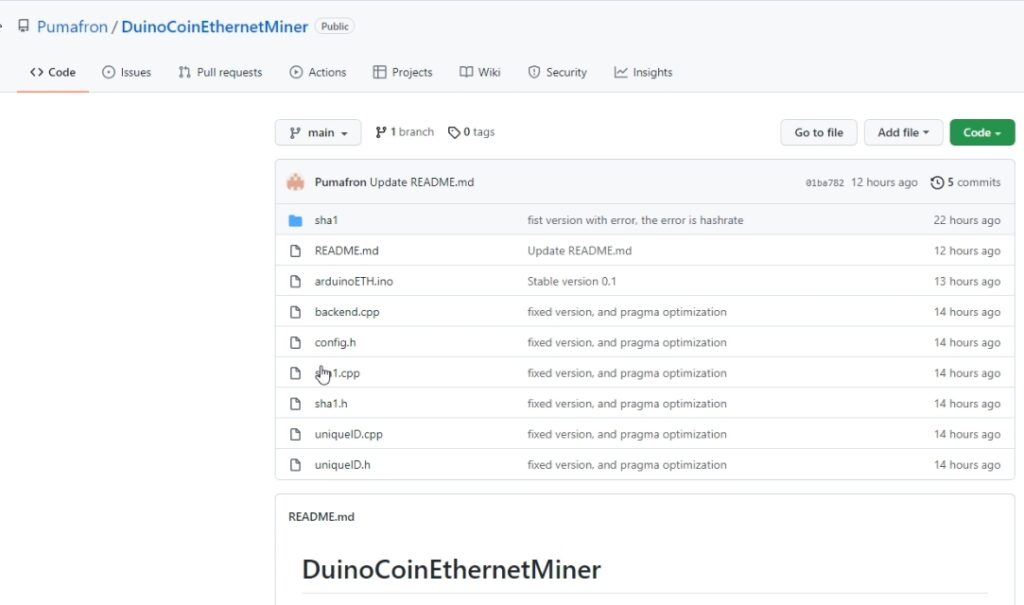 1. Unzip the file
2. Create a folder named
1. Unzip the file
2. Create a folder named arduinoETH
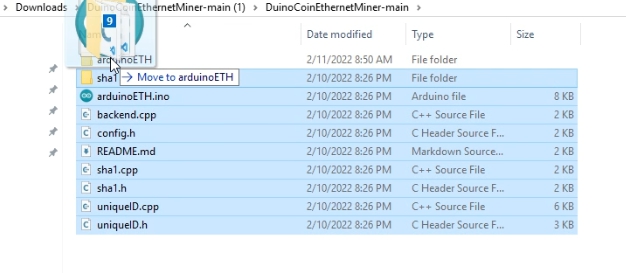
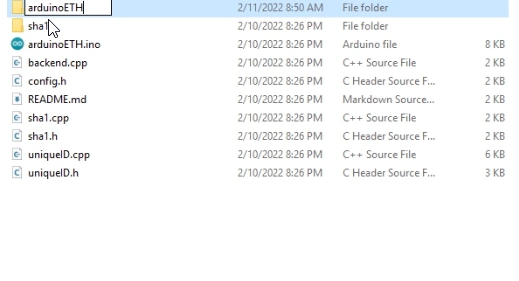 3. Move all downloaded files into the
 arduinoETH folder
🛠️ Step 2: Setup in Arduino IDE
- Open
arduinoETH.inoin Arduino IDE 💻
-
Change the IP address to a free IP in your local network:

IPAddress ip(192, 168, 1, 177); // Change to fit your LAN -
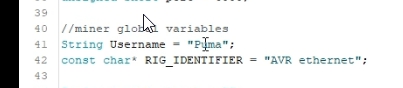
Update your Duino Coin wallet username:
String ducoUser = "YourWalletUsername";
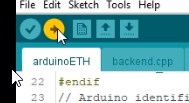
 4. Plug in your Arduino and upload the sketch via USB 🔌
📡 Step 3: Monitor the Miner
- Open Serial Monitor in Arduino IDE
- Set baud rate to
9600
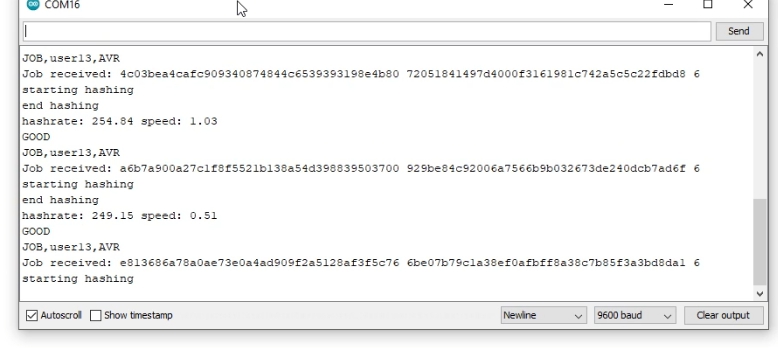
If everything is configured correctly, you’ll see mining output like:
Duino-Coin Miner started
Share accepted
Hashrate: 257 kH/s
📈 Results
⛏️ Average Mining Speed: 257 kH/s
💡 Fully standalone — no PC required!
🧾 Summary
This is a great low-power way to contribute to Duino Coin network using just Arduino hardware. Perfect for tinkerers and hobbyists! 🔧💰