Today I will try installing and running the Duino Coin miner on an old tablet — the Samsung Galaxy Note 10.1 (2014 Edition) running Android 5.1.
Unfortunately, Termux from Google Play or F-Droid is not supported on this device, and it uses an ARMv7 CPU.
🎥 Video Tutorial
🛠️ Installation Steps
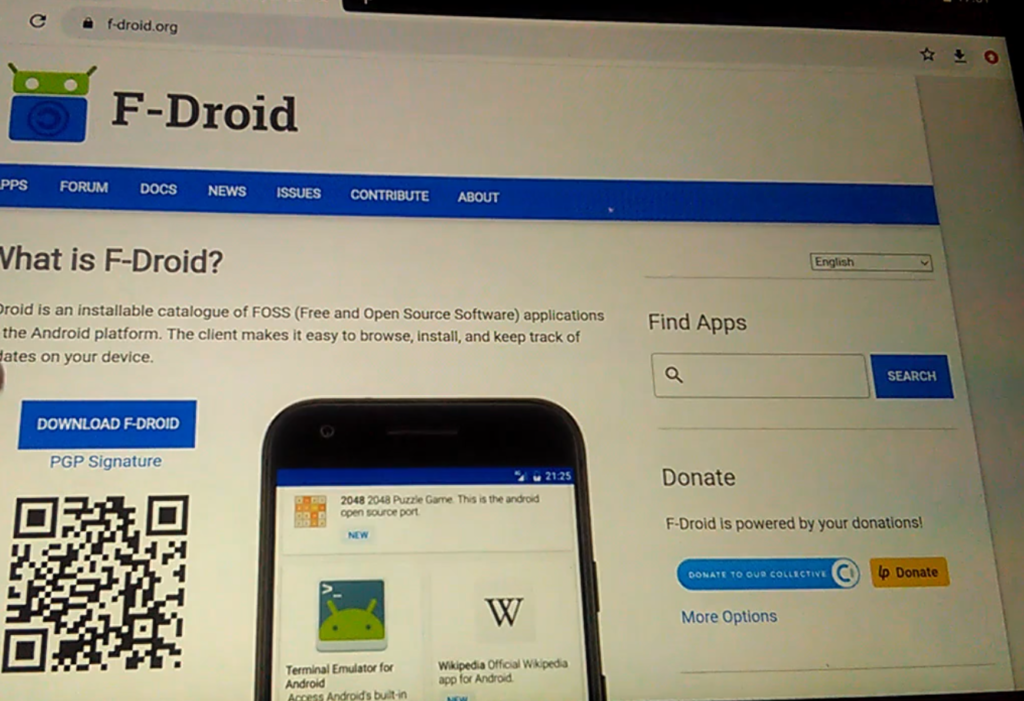
1. 🔍 Install F-Droid
- Search for F-Droid using Google.
- Download and install it manually.
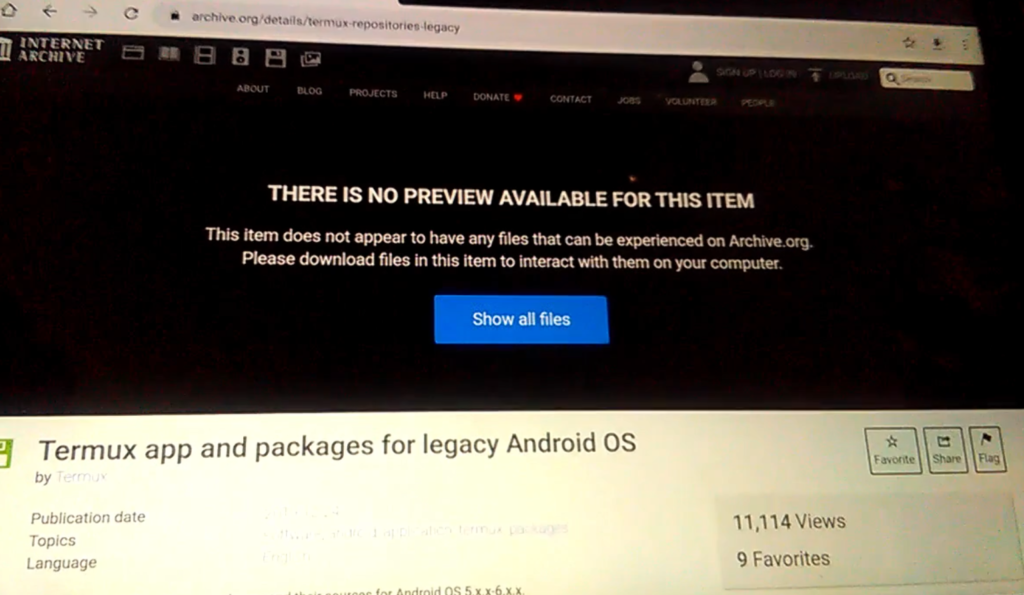
2. 📥 Install Termux (APK Archive)
- Search "Termux APK archive" on Google.
- Download and install an older compatible version.
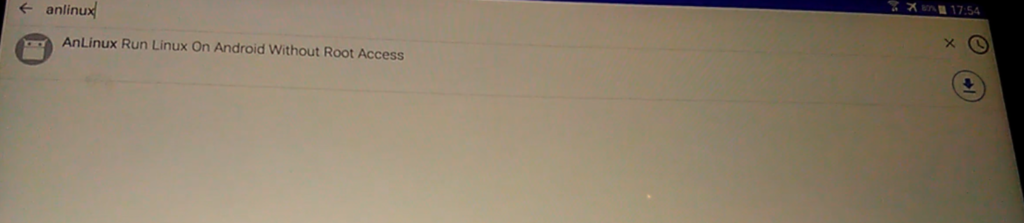
3. 🔧 Install AnLinux
- Open F-Droid.
- Search for AnLinux and install it.
💻 Setup Environment
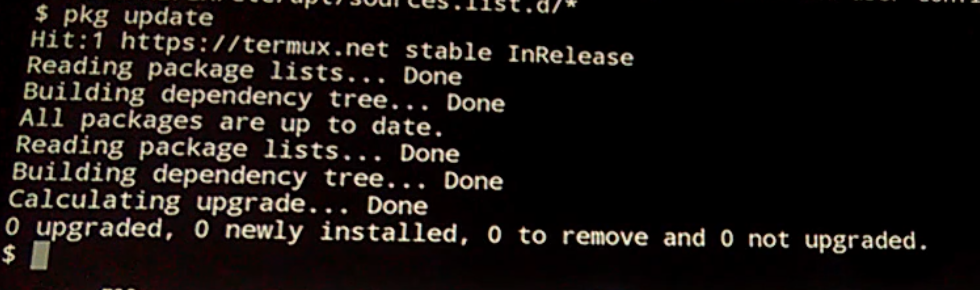
Update Termux
pkg update
 ⚠️ If you get errors, remove broken repositories:
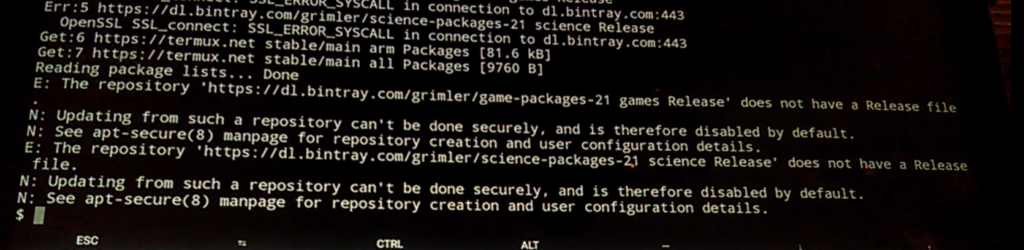
rm $PREFIX/etc/apt/sources.list.d/*
pkg update

Install Ubuntu via AnLinux
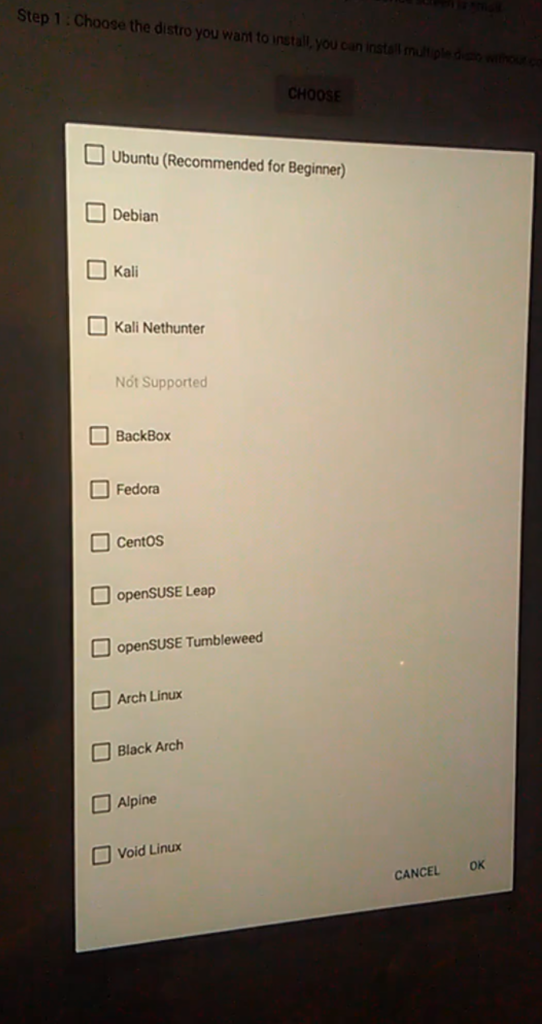
- Open AnLinux, press "Choose", and select Ubuntu, then tap OK.
- Press "Copy" to copy the install script.
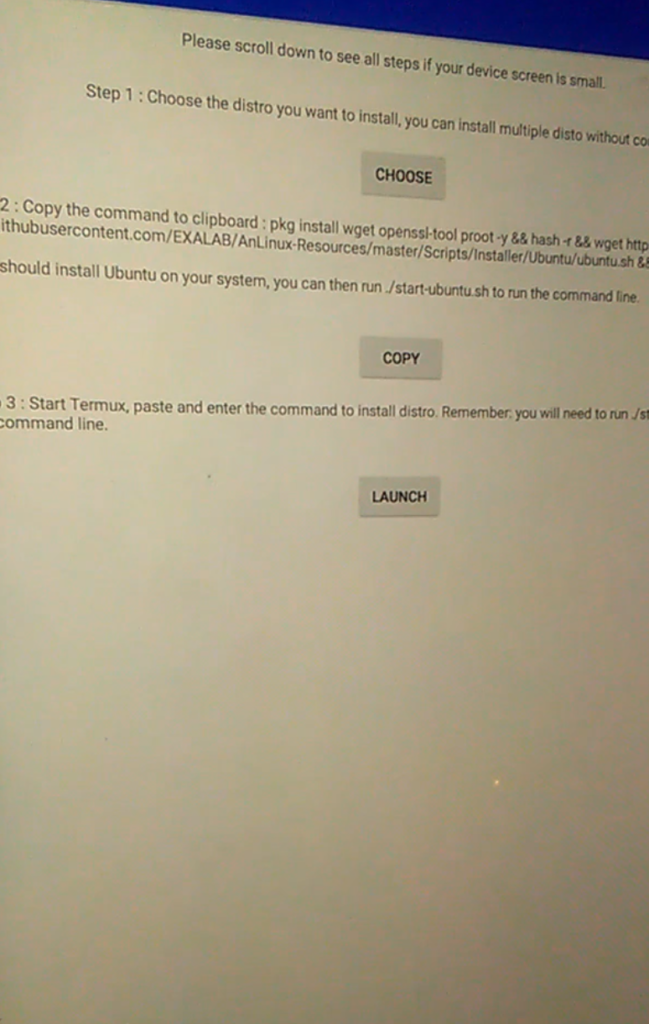
- Open Termux, paste the script, and run it.

🐧 Ubuntu Setup
Start Ubuntu:
./start-ubuntu.sh


Update packages:
apt update

Install dependencies:
apt install git python3 python3-pip python3-dev

⛏️ Install & Run Duino Coin Miner
Clone the miner:
git clone https://github.com/revoxhere/duino-coin.git
cd duino-coin


Install required Python packages:
pip3 install requests

Start the miner:
python3 PC_Miner.py
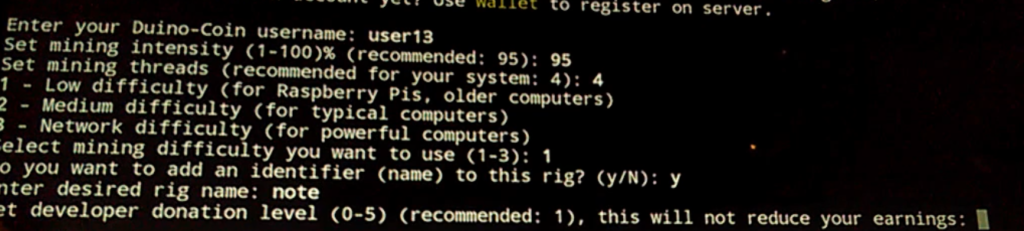
 📝 Answer the questions during setup.
⚙️ Benchmark Result
- ❌ No fast hashing support
- 📊 Average hashrate:
324 KH/s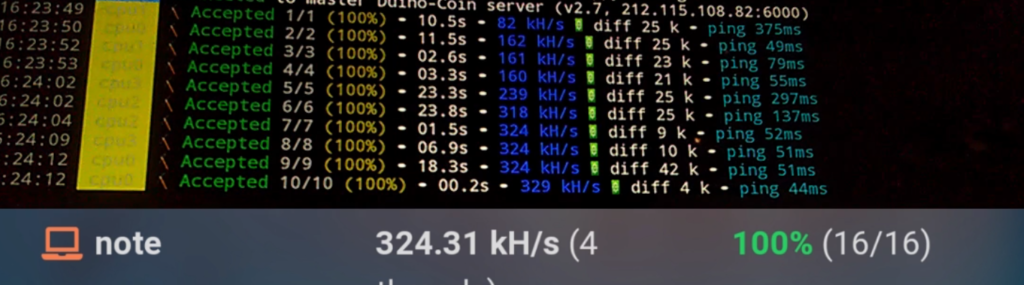
🔜 Coming Soon
In future videos, I’ll show how to compile and enable FastHash for better performance 🚀