Today we're testing the performance of Duino Coin mining on an ESP32 board! 🧪⚡
🎥 Video Tutorial
🛠️ Setup Instructions
- 📝 Open the
ESP32_Code.inofile using Arduino IDE.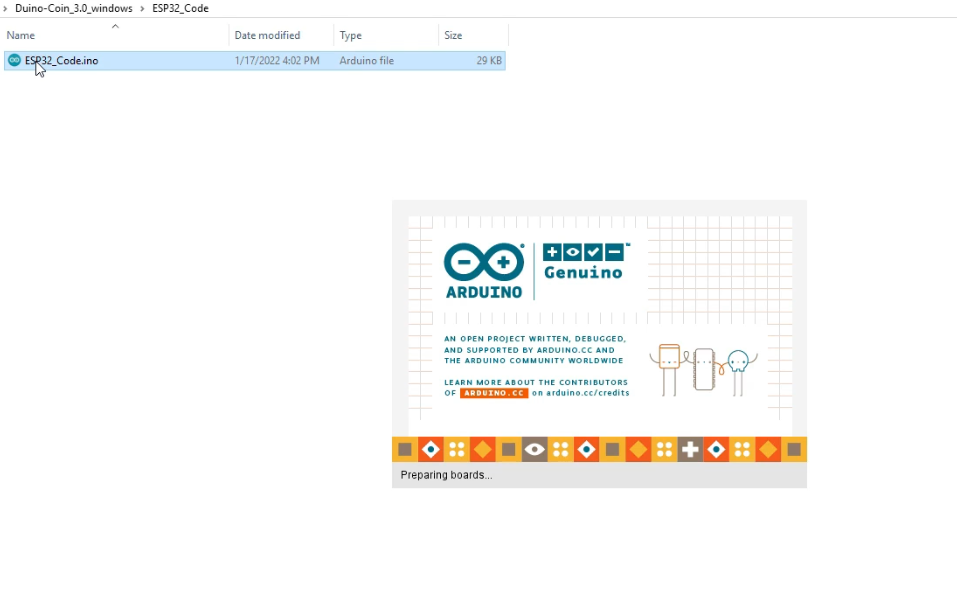
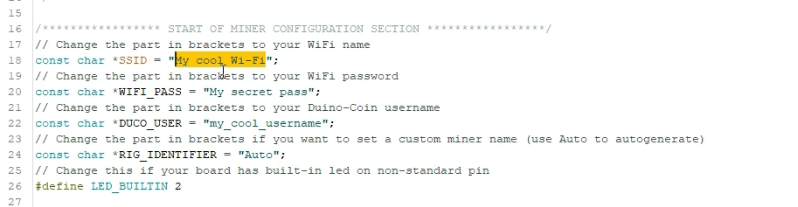
- 🔧 Edit the following lines:
- Replace
SSIDwith your WiFi name 📶 - Replace
Passwordwith your WiFi password 🔐 - Enter your Duino Coin username 👤
- (Optional) Set a Rig name 💻
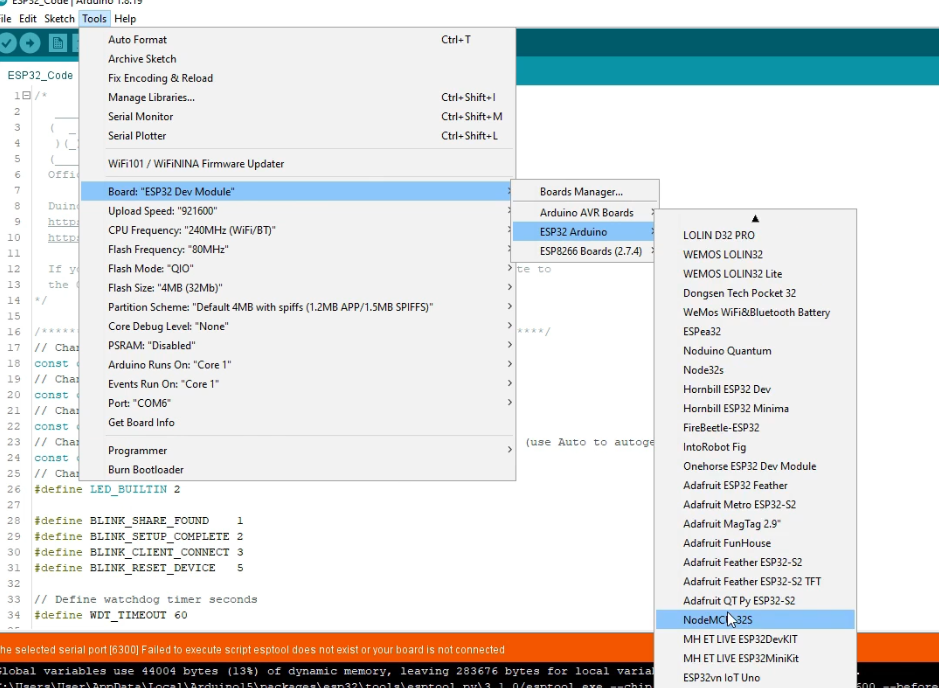
- ⚙️ In Arduino IDE:
- Select board:
NodeMCU-32Sor any generic ESP32 board. - Select the correct COM port where the ESP32 is connected.
- ⬆️ Hit Upload to flash the miner code.

🔍 Results
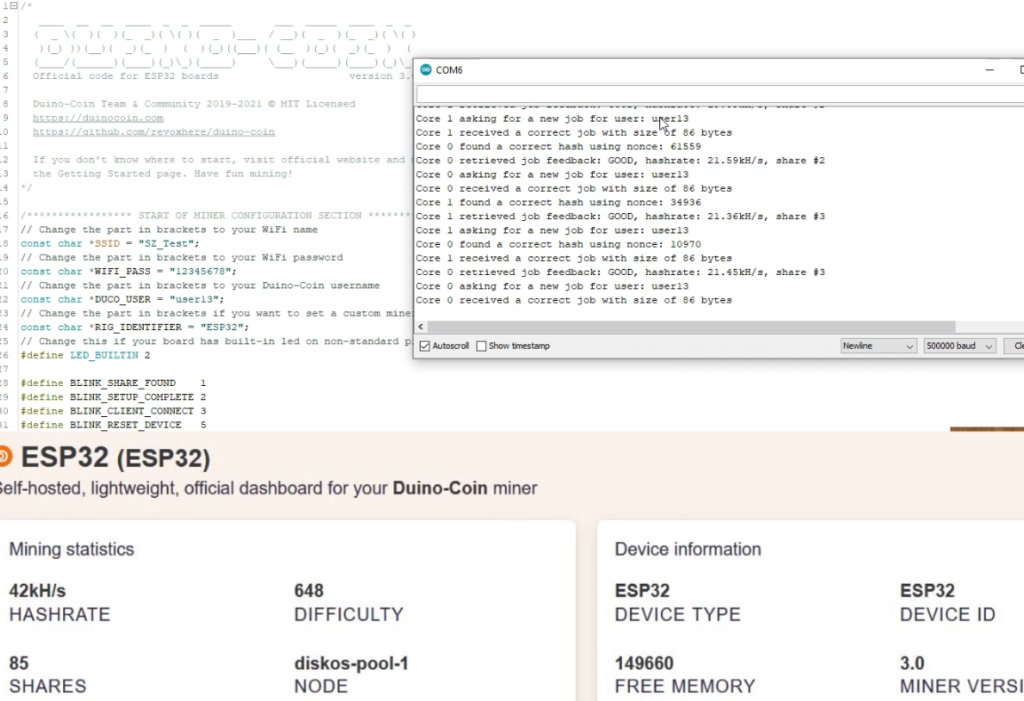
Once uploaded, open the Serial Monitor 🖥️
You'll see the miner start and report an average hashrate of ~42 KH/s ⚡💰
Happy mining! ⛏️🙂