Page Created: 28/09/2021 Last Updated: 18/10/2021
SZ_IO62R2 Controller Module
The SZ_IO62R2 is the second revision of the SZ_IO62 controller board, introducing multiple improvements over its predecessor. Notably, it supports controlling the same outputs from multiple independent inputs.
🎥 Video Tutorial
📦 Features
- Remote device control via RS-232
- Support for single-click and toggle input modes
- Control of up to 8 separate outputs
- Configuration via RS-232 terminal
- Multiple input-to-output mappings (new in SZ_IO62R2)
- On startup:
- Sends current configuration as a semicolon-separated string
- Sends status of all inputs and outputs
- Equipped with 6 hardware inputs and 2 software (virtual) inputs
- Command-based status querying via serial terminal
- Output control independent of inputs using
"outX"commands
⚙️ Functions
- Remembers last output state after restart (switch mode only)
- Control of 8 outputs using:
- 6 hardware inputs
- RS-232 interface
- 2 independent virtual inputs
- Integration-ready with Home Assistant or other automation systems via serial port
- Hardware inputs support:
- Single click mode
- Toggle mode (input shorted/opened to ground triggers state change)
- Output behavior:
- Default state on startup: HIGH (+5V @ 25 mA)
- Active state: LOW (0V)
📝 Technical Specifications
- Included: 1x SZ_IO62R2 Module
- Dimensions: 6.5 × 7.1 × 2.5 cm (H×W×D)
- Operating Voltage: DC 5–12V
- Standby Current: 25 mA
- Output Load Voltage: 5V
- Load Current per Channel: Max 25 mA
- Output Type: Discrete
- Control Modes: Physical switch (button), RS-232
- Communication: RS-232, Baud rate: 115200
🛠️ Work Modes
- Hardware Click: One press toggles configured output(s) ON/OFF
- Hardware Toggle: Holding or releasing input (to/from GND) toggles configured output(s)
🔤 RS-232 Commands
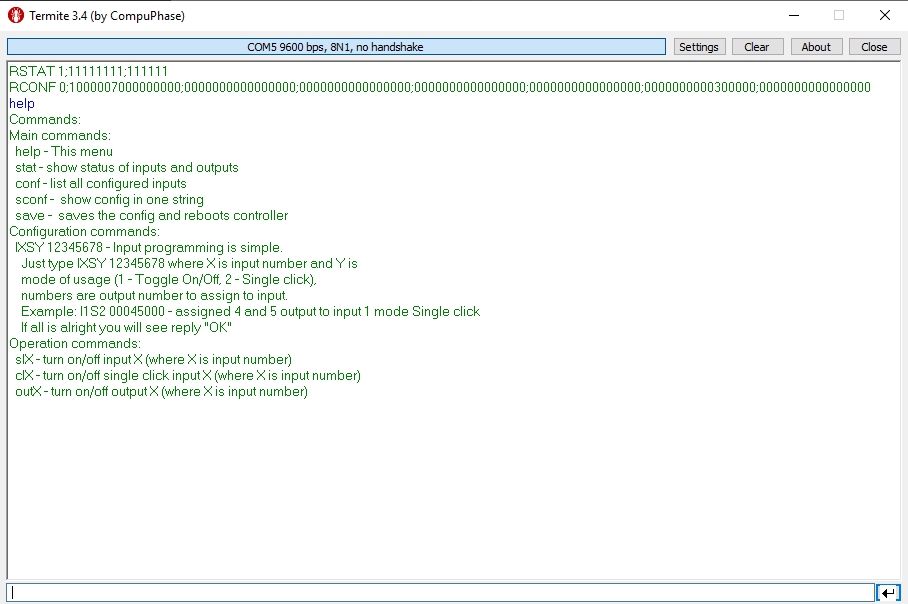
cI1– Emulate hardware click on input 1sI1– Emulate hardware toggle on input 1out1– Toggle output 1 independentlystat– Display current status of all inputs and outputsrconf– Return configuration string (semicolon-separated)
🔤 Command Usage
Hardware Input Control: Connect physical buttons or switches to input terminals and assign outputs via RS-232 commands.
Serial Terminal Commands:
sIX– Trigger toggle on input X (returns current I/O status)cIX– Simulate click on input X (returns current I/O status)outX– Toggle output X manually (returns current I/O status)stat– Show full input/output statusconf– List all input-output configurations
Reset to Default
To reset configuration via RS-232 terminal:
- Send:
D0S1 1– Resets to factory settings - Send:
save– Saves configuration and restarts controller
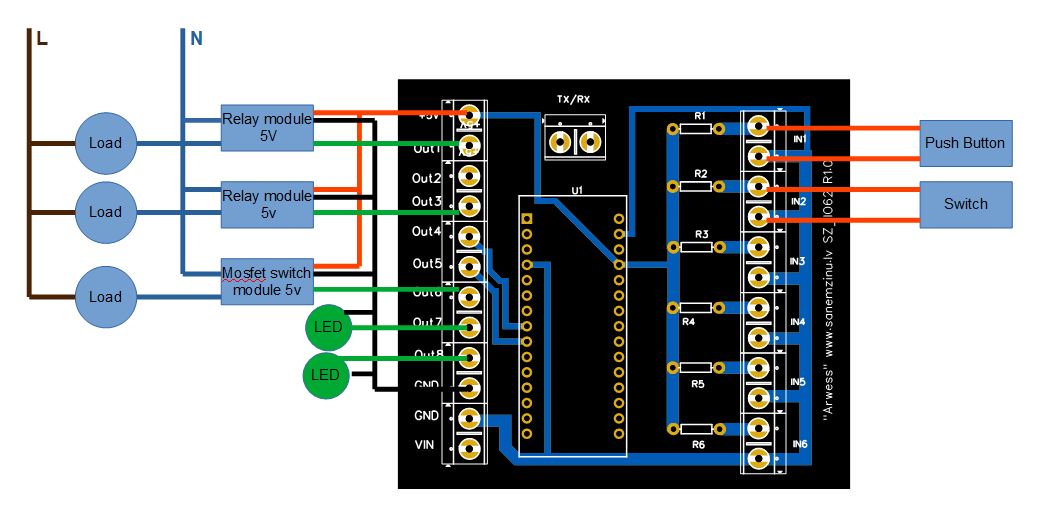
🔌 Connection Diagram
📷 Screenshots
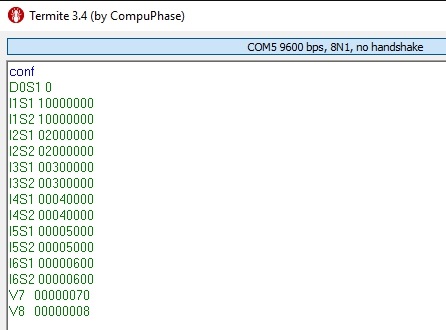
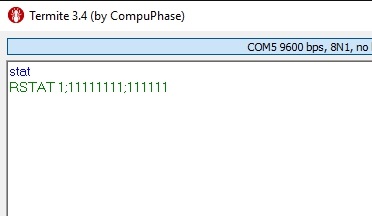
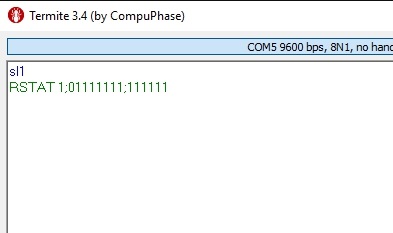
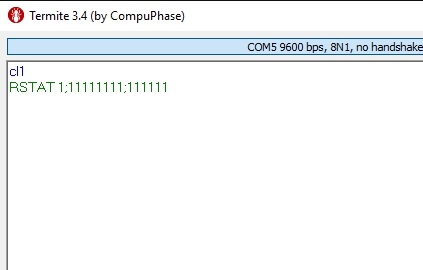
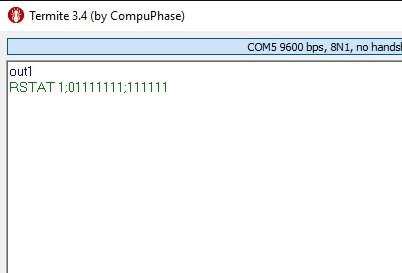
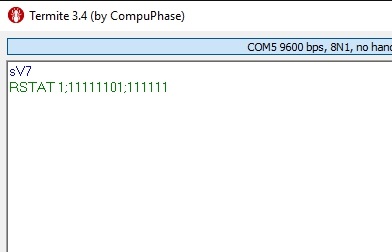
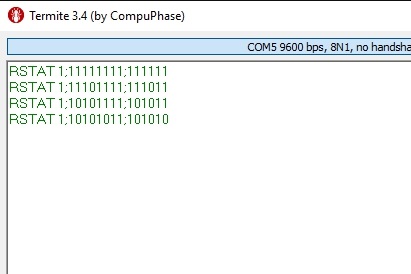
📁 Files
- Manual Download
- Gerber files Download
- Arduino Code 1.02 Download project file
- SZ_IO62R2 Console App Download
📃 Changelog
- v1.00 – Initial release
- v1.01 – Bug fix release
- 18.10.2021 (v1.02) – Updated manual, new
helpcommand screenshot, markdown formatting improvements