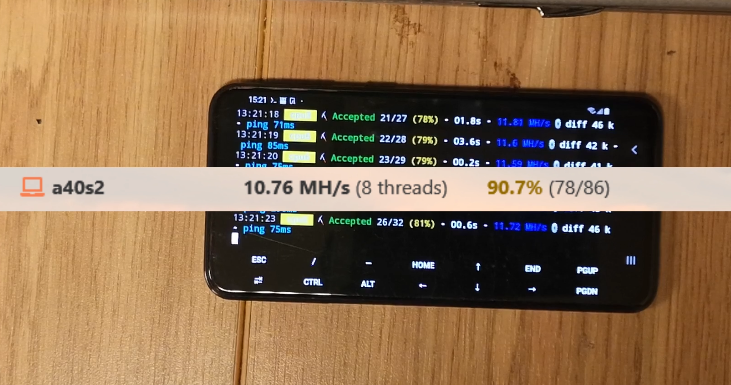
Today I continue testing Duino Coin mining benchmarks on Android devices.
In this video, I run the Duino Coin miner with FastHash support on a Samsung Galaxy A40. 🧪⛏️
🎥 Video Tutorial
📲 Install Required Apps
- 🔍 Search for F-Droid on Google, download and install it.
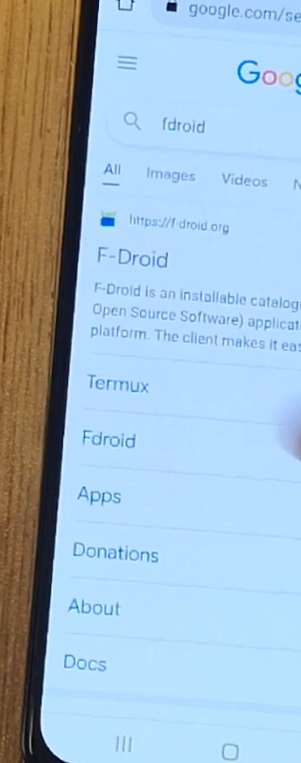
- 📥 In F-Droid, search and install:
- Termux (terminal app)
- AnLinux (Linux environment tool)

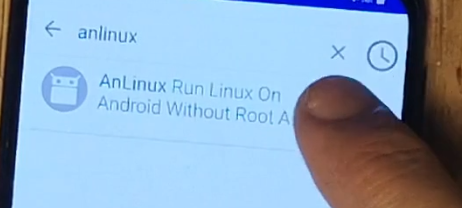
🐧 Set Up Ubuntu on Android
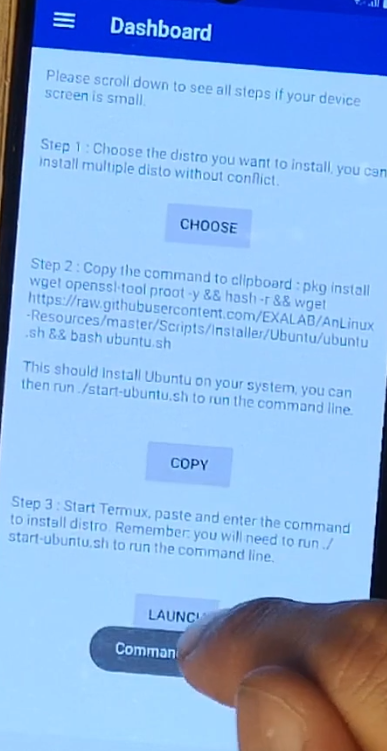
- Open AnLinux
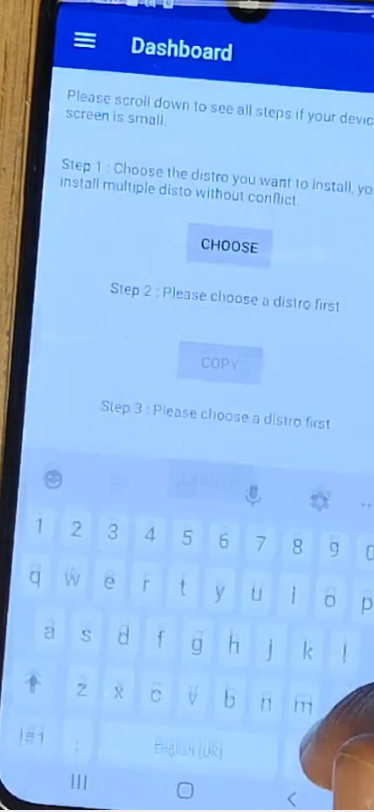
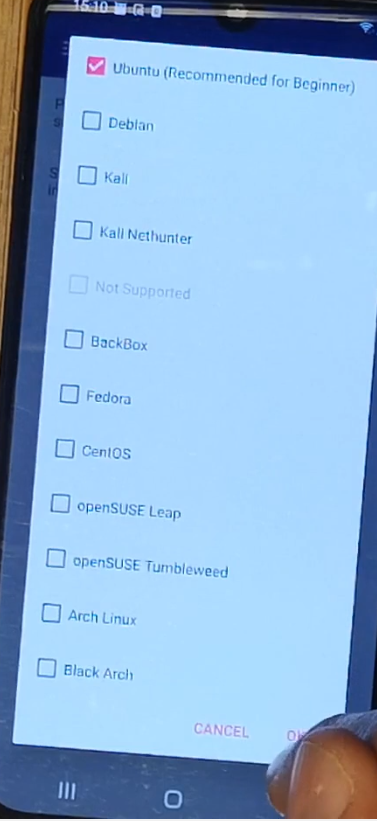
- Tap "Choose", select Ubuntu, and press OK ✅
- Tap Copy 📋 and then Launch
- Open Termux
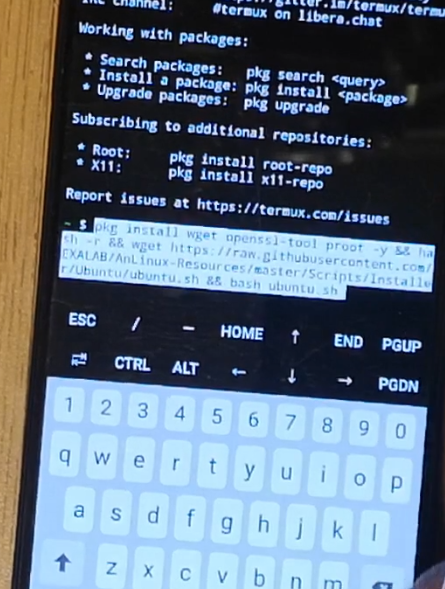
- Paste the copied code from AnLinux and run it.
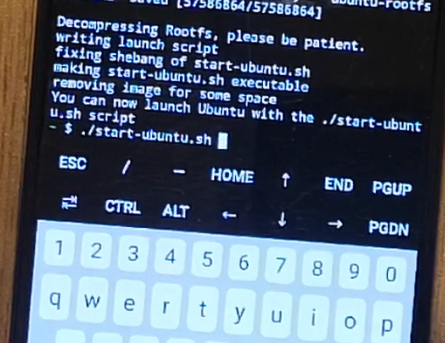
🛠️ Install Dependencies
Once Ubuntu is running, execute the following commands:
```
./start-ubuntu.sh
````
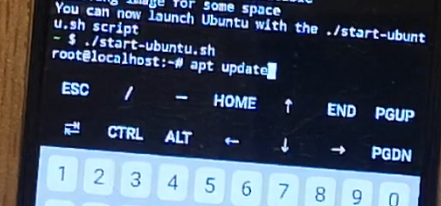 Update package list:
apt update
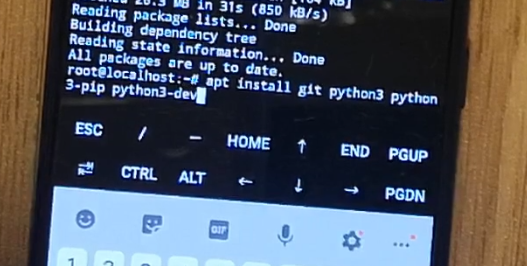 Install required packages:
apt install python3 python3-pip python3-dev git
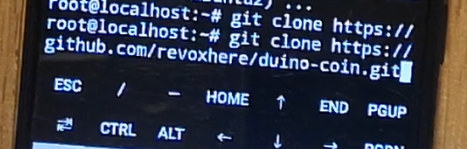
📥 Clone and Run Duino Coin Miner
Clone the Duino Coin repository:
git clone https://github.com/revoxhere/duino-coin.git
 Navigate to the miner directory:
cd duino-coin
Install Python module:
pip3 install requests
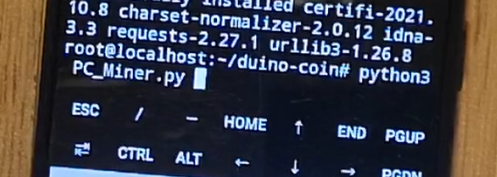 Run the miner:
python3 PC_Miner.py
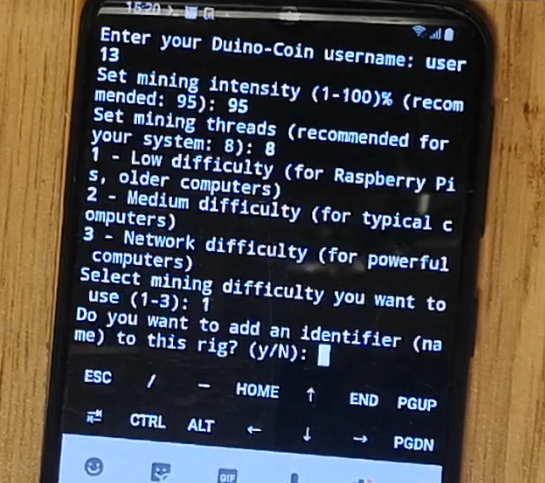 Answer all prompts in the terminal.
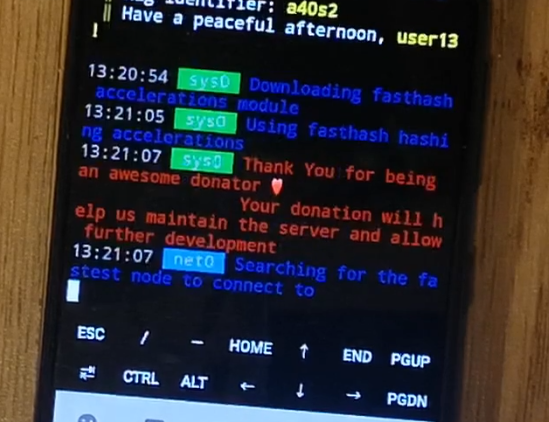
⚙️ Performance Results
✅ FastHash module is enabled thanks to the Aarch64 CPU architecture.
📊 Mining speed on 8 threads averages around 10 MH/s!