💡 Duino Coin Miner 3.0 has improved the hash rate on the Arduino UNO!
Here’s how to set it up and start mining:
🎥 Video Tutorial
🔁 Step-by-step Instructions
- 🧑💻 Clone the latest Duino Coin repository from GitHub:
git clone https://github.com/revoxhere/duino-coin.git
-
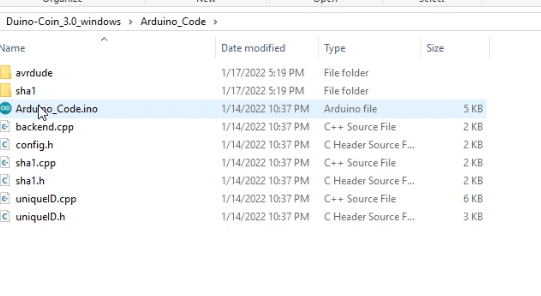
📂 Open
Arduino_Code.inofrom theArduino_Codefolder using the Arduino IDE. -
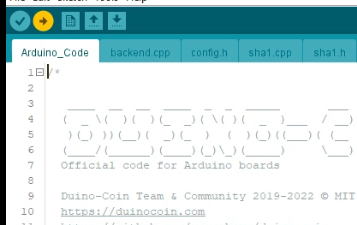
⚙️ Check your board and port settings.
-
⬆️ Press Upload to flash the code onto your Arduino UNO.
🖥️ Start the Miner
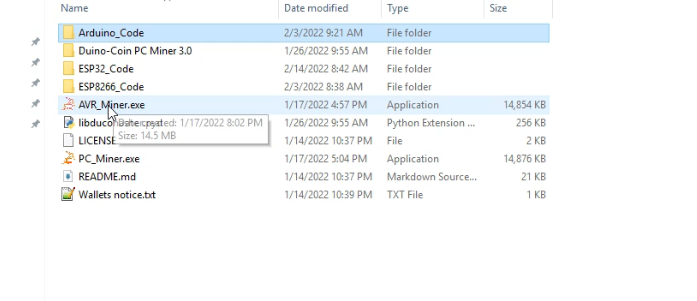
- 🚀 Run the
AVR_Minerprogram on your PC.
-
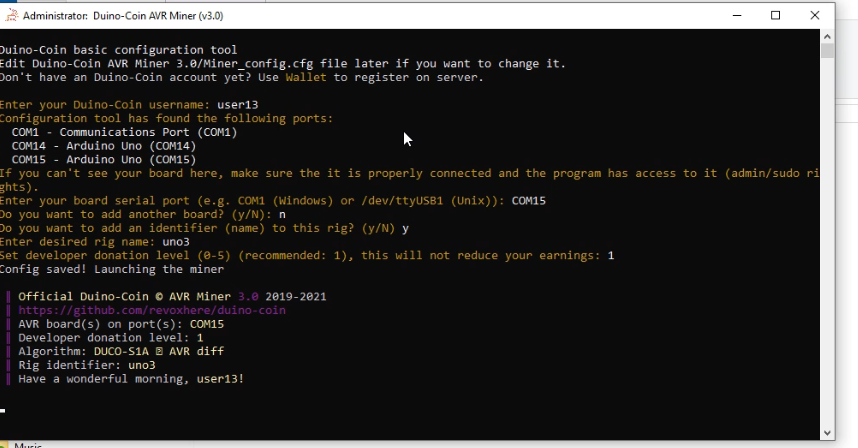
🔌 Select the correct port where Arduino is connected.
-
👤 Enter your Duino-Coin username.
-
🖥️ Set an optional rig name and choose a developer donation level.
⚡ Mining Speed
- ⛏️ Your Arduino UNO will start mining with an average hash rate of 228 H/s!
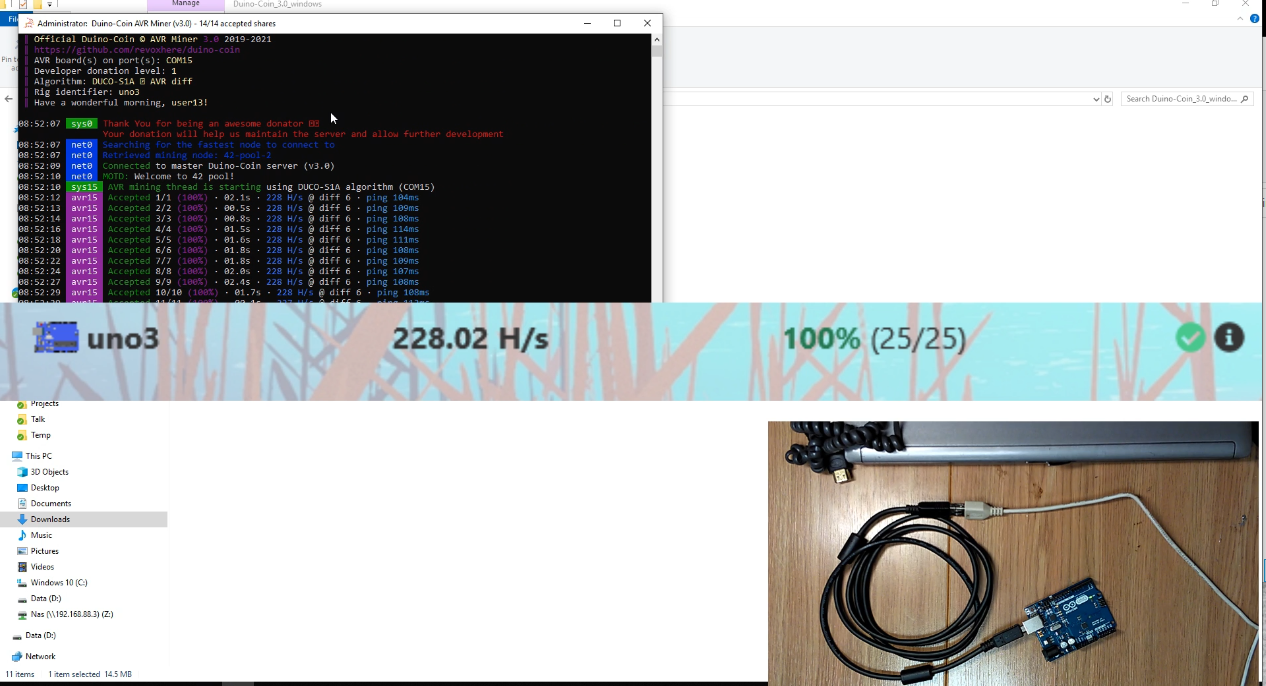
- Enjoy low-power, hobbyist-friendly crypto mining! 💰