🎥 Video Tutorial
🔧 Step-by-Step Guide
🛠 Enable Developer Options
To keep the screen always on while charging (prevents sleep mode):
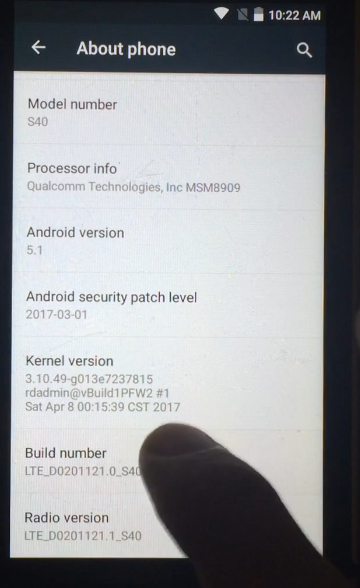
1. Go to Settings > About phone
2. Tap Build number 7 times to unlock Developer Options
🌐 Install F-Droid & UserLAnd
- 🔍 Search for F-Droid on Google or go to 👉 https://f-droid.org
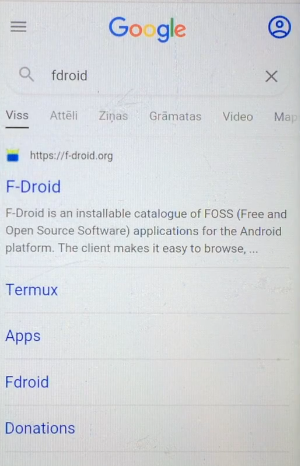
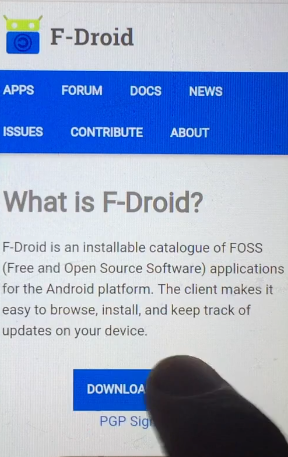
- ⬇️ Download and install F-Droid
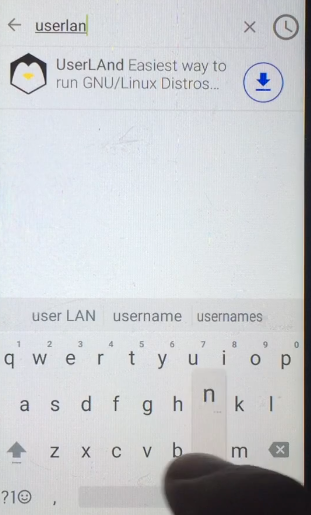
- 🛒 Open F-Droid and search for UserLAnd
- ⬇️ Download and install UserLAnd
🐧 Set Up Ubuntu in UserLAnd
- 🧠 Choose Ubuntu
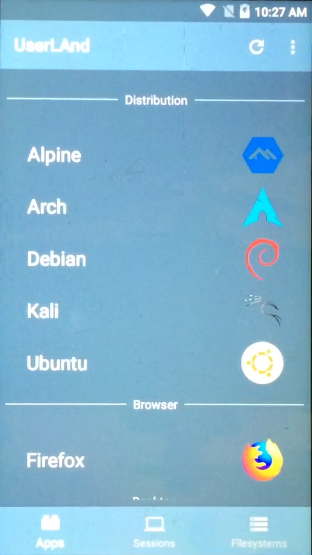
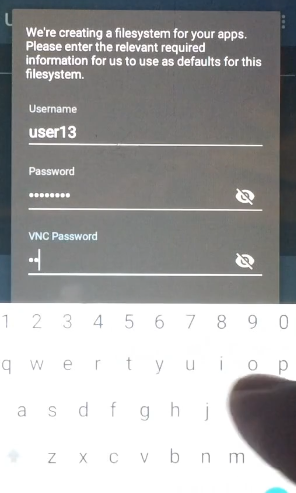
- 🧑💻 Fill in a username and password for SSH and VNC
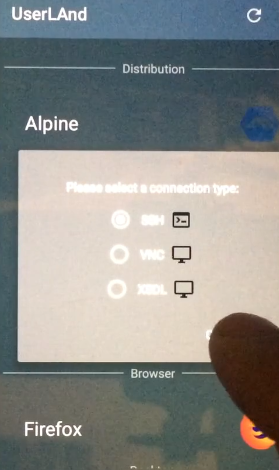
- 🔐 Select SSH and press Confirm
- ⏳ Wait for the system to initialize
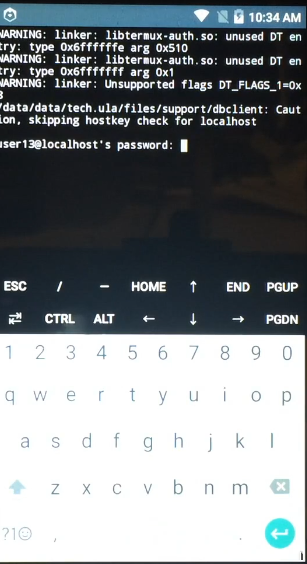
- 🔑 Enter your password — Ubuntu should greet you with a "Welcome"
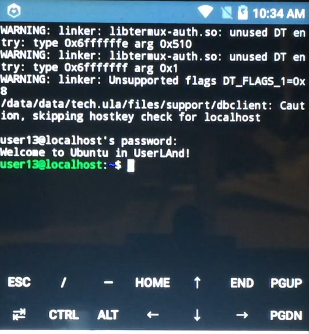
📦 Update System & Install Dependencies
apt update
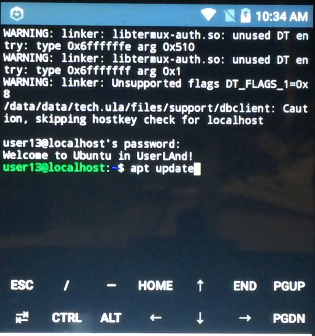
sudo apt upgrade
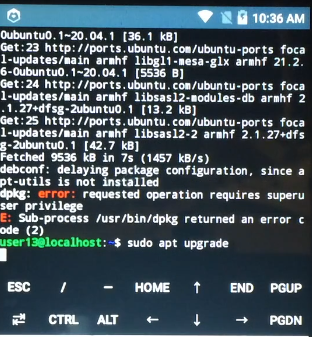
sudo apt install python3 git python3-pip python3-dev
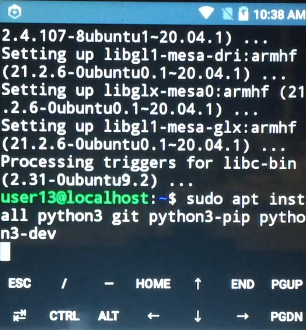
⛏ Clone & Run Duino Coin Miner
git clone https://github.com/revoxhere/duino-coin.git
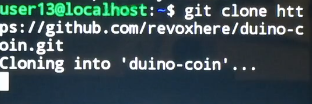
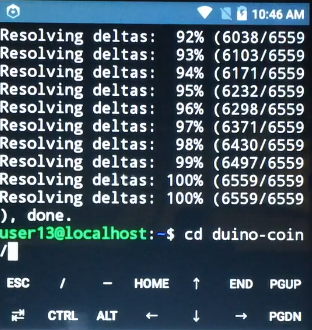
cd duino-coin
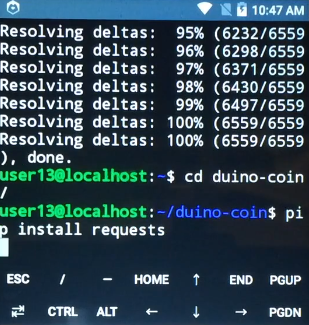
pip3 install requests
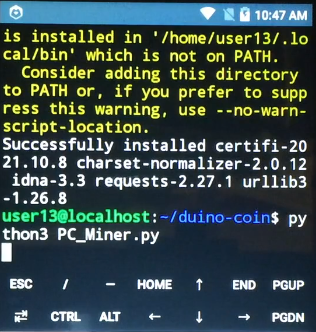
python3 PC_Miner.py
📝 Fill in:
- 💼 Duino wallet username
- ⚙️ Mining intensity
- 🧵 Number of threads
- 🎯 Difficulty, identifier (optional), and developer donation
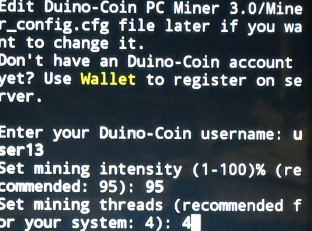
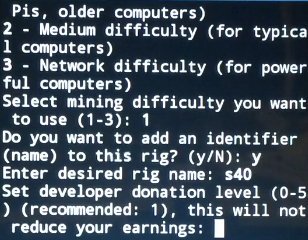 🛑 Miner shows a message: FastHash not available for your system.
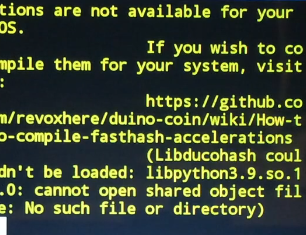
🧰 Build FastHash Manually
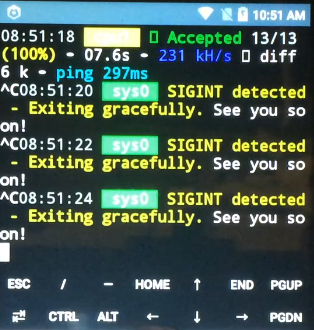
- ❌ Stop miner: Press
CTRL+Ca few times - Install
curl:
sudo apt install curl
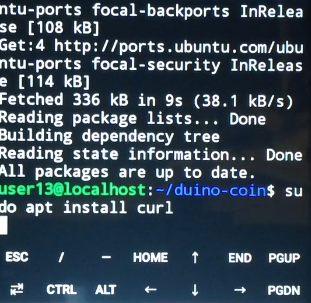
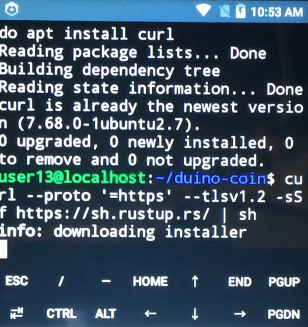
- Download Rust compiler:
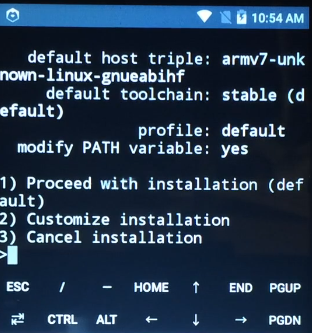
curl --proto '=https' --tlsv1.2 -sSf https://sh.rustup.rs/ | sh
👉 Choose option 1
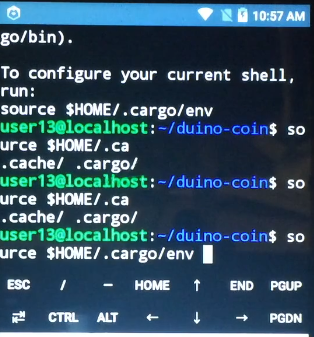
 4. Load Rust environment:
source $HOME/.cargo/env
- Download FastHash sources:
wget https://server.duinocoin.com/fasthash/libducohash.tar.gz
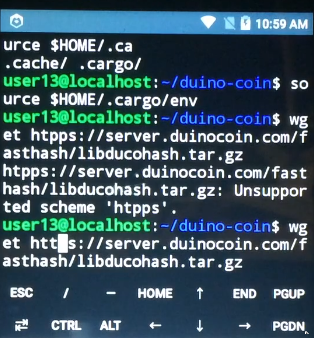
tar -xvf libducohash.tar.gz
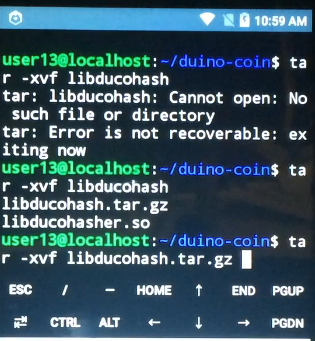
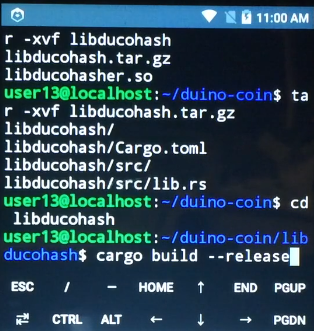
cd libducohash

- Build FastHash:
cargo build --release
📁 Move FastHash to Miner Directory
cd target/release
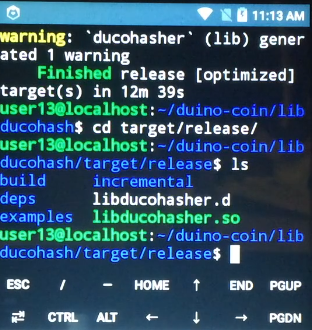
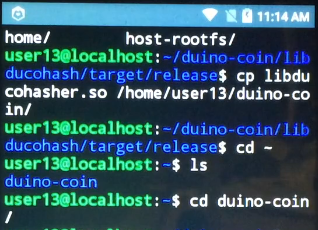
cp libducohasher.so /home/user13/duino-coin/
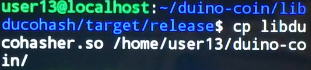
cd /home/user13/duino-coin/
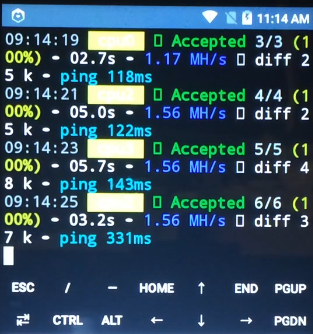
🚀 Run Miner with FastHash
python3 PC_Miner.py

📊 With FastHash, the average mining hashrate: 1.56 MH/s ⚡
🏁 Summary
- ✅ Android 5.1 + UserLAnd = Ubuntu environment
- ✅ Duino Coin miner runs successfully
- ⚡ FastHash boosts mining speed to 1.56 MH/s
- 🔧 Manual Rust compilation required for performance