🎥 Video Tutorial
🛠️ Step-by-Step Setup Guide
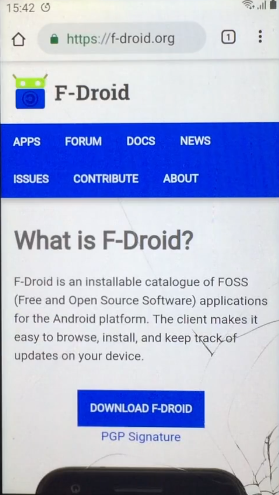
- 📥 Download F-Droid from f-droid.org and install it.
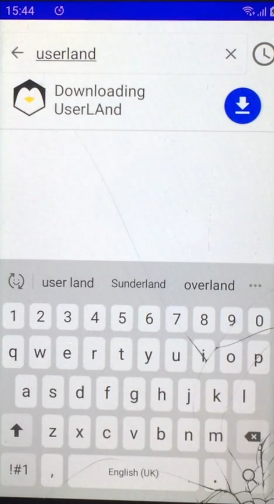
- 🔍 In F-Droid, search for UserLAnd, then download and install it.
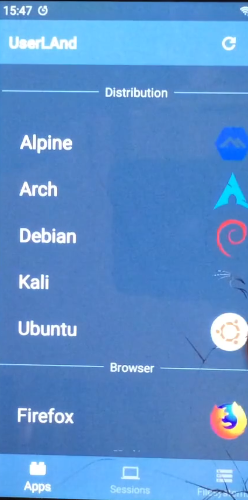
- ▶️ Open UserLAnd, choose Ubuntu.
- 👤 Fill in:
- Username
- Password (for SSH & VNC)
- Choose SSH option
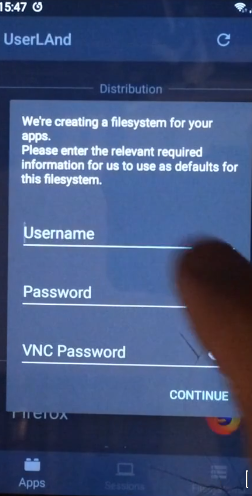
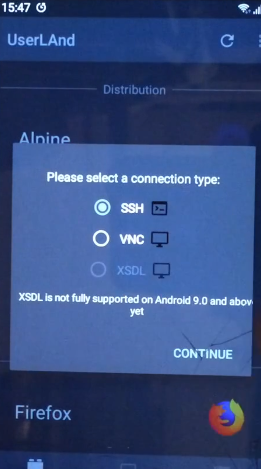
- ⏳ Wait for the system to set up, then enter your SSH password.
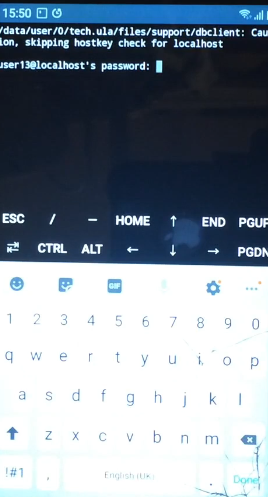
🔧 Initial Setup in Ubuntu (via UserLAnd)
sudo apt update
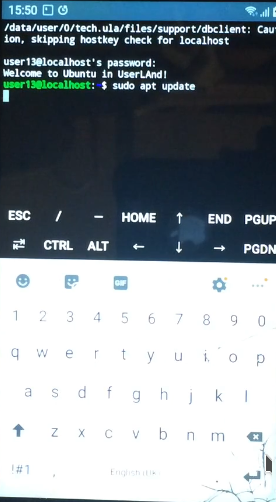
sudo apt upgrade
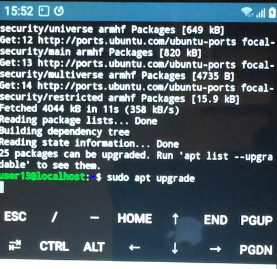
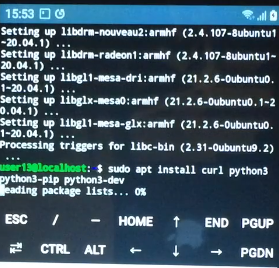
Install required software:
sudo apt install curl python3 python3-pip python3-dev
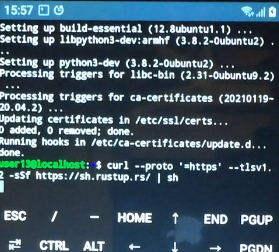
⚙️ Install Rust Compiler
curl --proto '=https' --tlsv1.2 -sSf https://sh.rustup.rs/ | sh
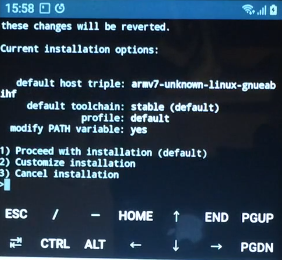
Choose option 1 when prompted
Load environment:
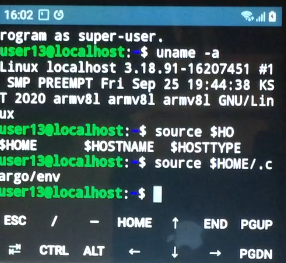
source $HOME/.cargo/env
📦 Compile FastHash
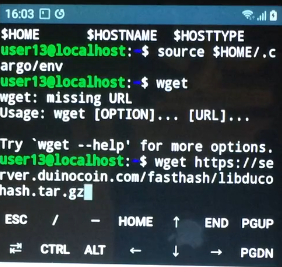
wget https://server.duinocoin.com/fasthash/libducohash.tar.gz
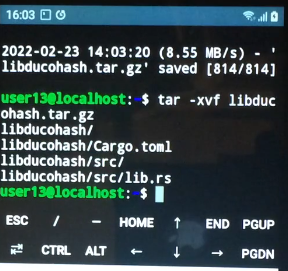
tar -xvf libducohash.tar.gz
cd libducohash

cargo build --release

cd target/release

cp libducohash.so ~

cd ~

🐍 Set Up Miner
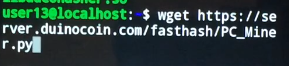
wget https://server.duinocoin.com/fasthash/PC_Miner.py
pip3 install requests

Run the miner:
python3 PC_Miner.py

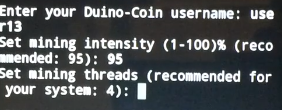
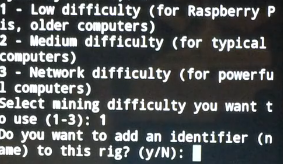
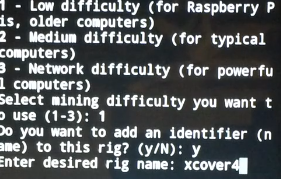
📝 Fill in:
- 👤 Duino username
- 🔧 Intensity
- 🧵 Threads
- ⚙️ Difficulty
- 🖥️ Rig name
- 🎁 Donation level
📈 Performance
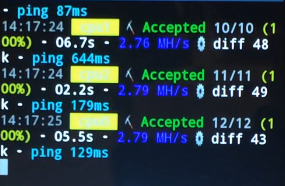
📱 On Samsung Galaxy Xcover 4 with ARMv8 CPU, the miner reaches an average speed of:
✨ 2.76 MH/s with FastHash!