Today I will run the Duino Coin miner on a Savio TV BOX using Termux. 🧪💰
🎥 Video Tutorial
📥 Step 1: Install Termux via F-Droid
- Go to 🔍 Google and search for F-Droid.
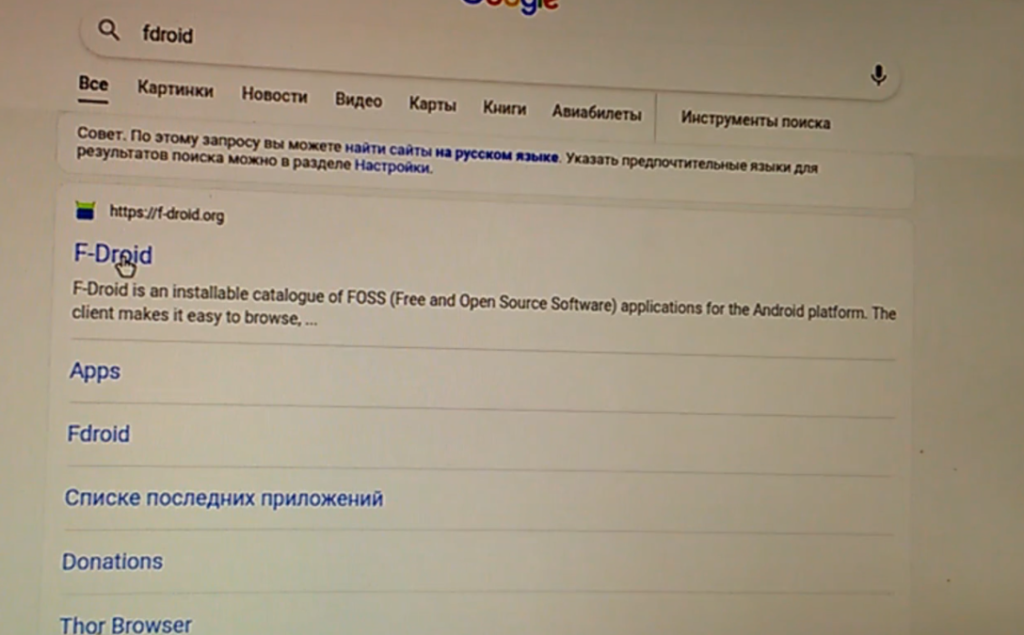
- Download and install F-Droid.
- In F-Droid, find and install the Termux app. 💻

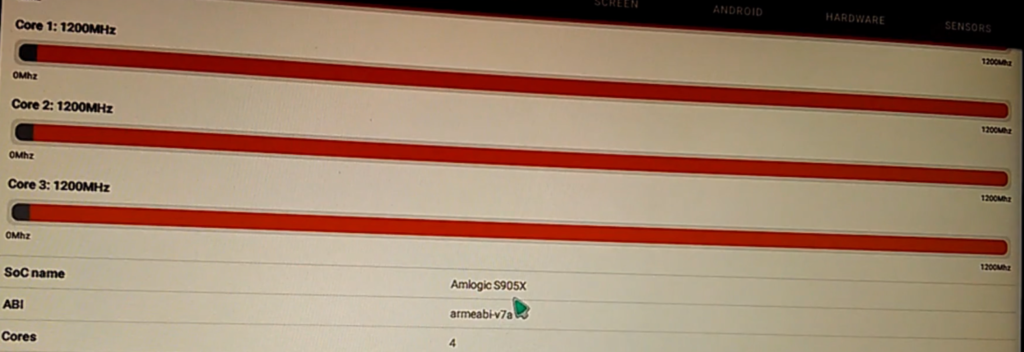
- (Optional) Install CPU Info to see what CPU your TV Box has. 🧠
🛠️ Step 2: Prepare the System
Open Termux and run:
pkg update

🧬 Step 3: Install Git
Run the following command to install Git:
pkg install git

📦 Step 4: Clone Duino Coin Miner
Clone the miner from GitHub:
git clone https://github.com/revoxhere/duino-coin.git

🐍 Step 5: Install Python
Install Python:
pkg install python

📂 Step 6: Install Python Requests
Navigate to the miner folder and install dependencies:
cd duino-coin
pip install requests
🚀 Step 7: Start Mining
Run the miner:
python ./PC_Miner.py

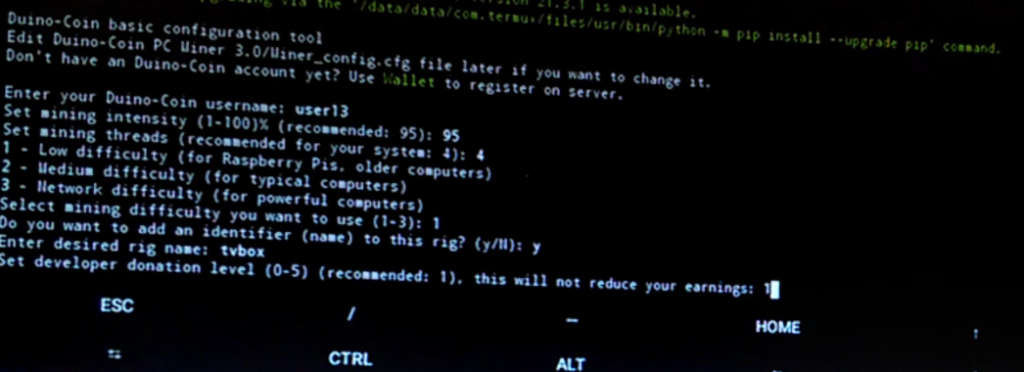
Answer all the setup questions 🧑💻 and the miner will start!
⚙️ Benchmark Result
- 📊 Average Hashrate:
273 kH/s 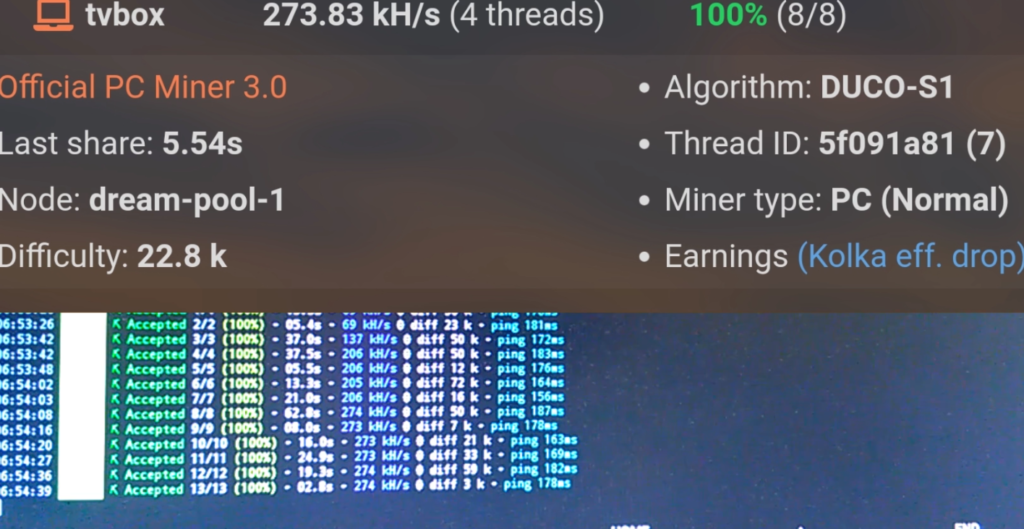
- ❗ This is without the FastHash module.
- 🧩 How to compile with FastHash will be shown in a future video.