A small console utility to control the SZ_IO62 controller via serial commands.
🎥 Video Tutorial
📦 Features
- 🧠 Simple interface for sending commands
- 🖥️ Works on both Windows and Linux
- ⚙️ Supports input/output command activation
- 🔁 Bridge mode for continuous communication
- 🐍 Built with Python and
pySerial
🛠️ Usage
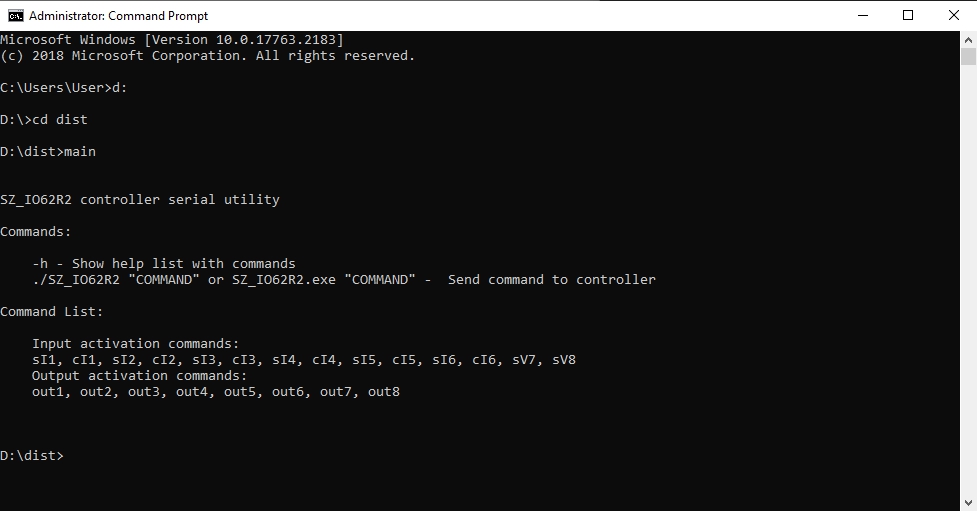
Show help
./SZ_IO62R2 -h
Send a command to the controller
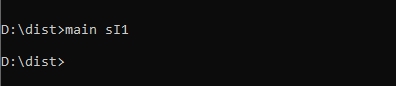
./SZ_IO62R2 "COMMAND"
SZ_IO62R2.exe "COMMAND"
🧾 Command List
🟢 Input Activation Commands
sI1, cI1, sI2, cI2, sI3, cI3, sI4, cI4, sI5, cI5, sI6, cI6, sV7, sV8
🔴 Output Activation Commands
out1, out2, out3, out4, out5, out6, out7, out8
⚙️ Configuration
Edit the config.txt file to match your system's COM port:
🪟 Windows
PORT = COM5
🐧 Linux
PORT = /dev/ttyUSB0
🚀 Running the App
🧪 Start as Service
Linux
./bridge
Windows
`
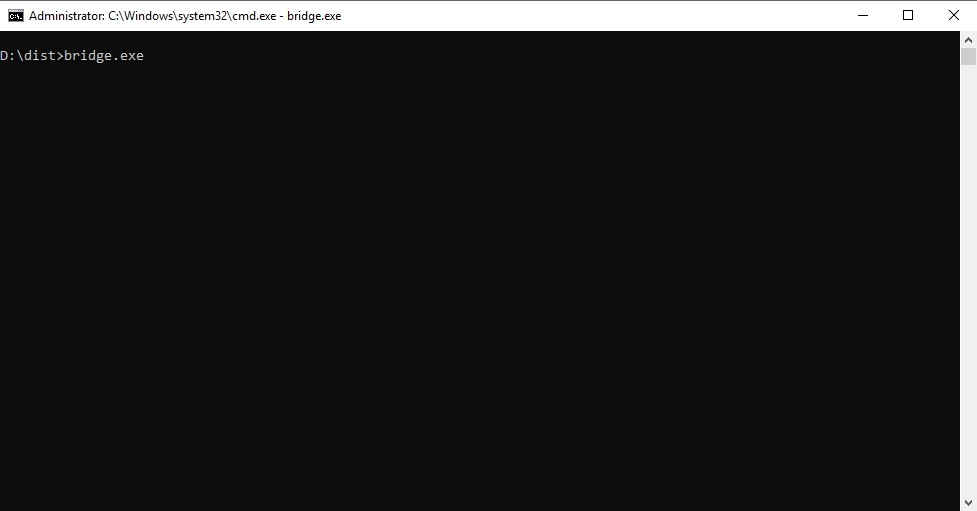
bridge.exe
This will monitor for commands and forward them to the controller.
📂 Files Overview
main.py
- Handles CLI input.
- Writes commands to a file (
commands).
bridge.py
- Reads
config.txtfor COM port. - Continuously checks for new commands and sends them via serial.
🧰 Dependencies
- Requires
pyserial
bash
pip install pyserial
🖼️ Screenshots