🎥 Video Tutorial
To reset a Cisco switch to factory defaults, follow these steps.
You'll need:
- 🧵 A console cable
- 🖥️ A Telnet-capable terminal application
🛠️ Steps to Reset
-
Power Off the Switch 🔌
Unplug the switch from power. -
Enter Recovery Mode ⚙️
- Press and hold the MODE button.
- While holding it, plug the power back in.
- Keep holding the MODE button until you see the boot log appear in your Telnet terminal.
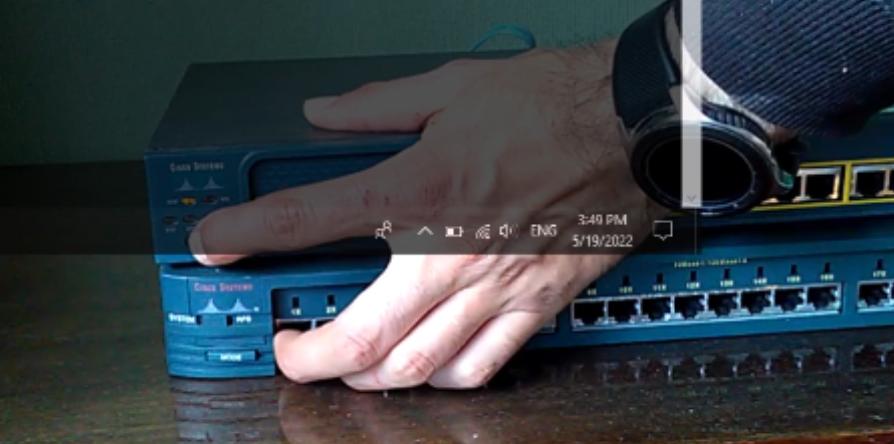
- Initialize the Flash File System 💾
Once in terminal access, enter the command:
flash init

- Delete the Configuration File 🗑️
Run the command:
delete flash:config.text

Confirm with y to accept deletion.
 5. Delete VLAN Configuration (if exists) 📂
Run the command:
delete flash:vlan.dat
 Again, confirm with
 y to delete.
 6. Restart the Switch 🔁
Run:
reset

Wait for the switch to reboot.
✅ After Reboot
Once the switch boots up, it will present the System Configuration Dialog — the default setup wizard. 🎉
 You're now ready to reconfigure your switch from scratch! 💡