Today I continue testing the performance of Duino Coin on different hardware 💻. In this video, I’ll be running the Duino Coin miner on a Lenovo Yoga equipped with an Intel i3-6006U CPU 🔧.
🎥 Video Tutorial
⚙️ Setup Steps
- 📥 Download the miner release from GitHub.
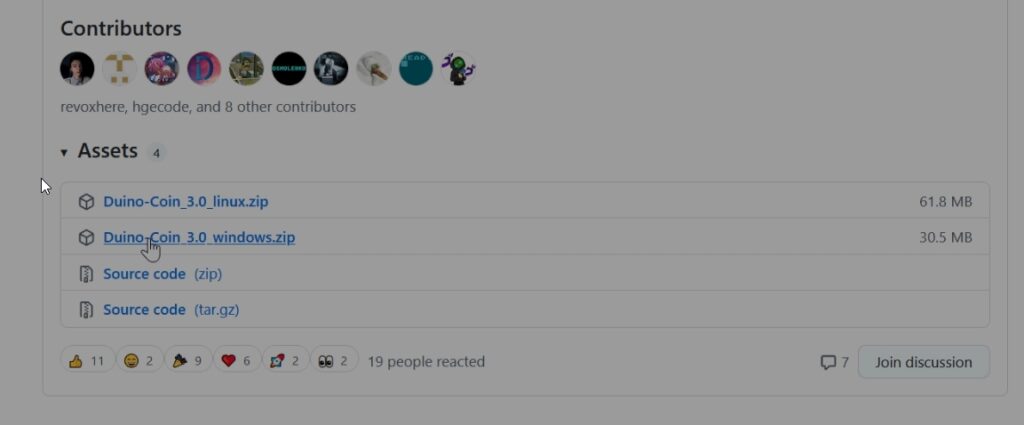
- 🗃️ Extract the archive.
- ▶️ Run
PC_Miner.exe.
🛠️ Miner Configuration
- 👤 Enter your Duino Coin wallet username.
- 🔋 Set mining intensity – recommended:
95%. - 🧵 Set mining threads – I chose all available.
- 🎯 Select mining difficulty – I chose high.
- 🆔 Add an identifier (rig name)? – Yes, I prefer to name my rigs.
- 📝 Enter desired rig name – Typed in a custom name.
- 💖 Set developer donation level (0–5) – I chose
1(recommended).📝 This will not reduce your earnings.
📊 Mining Results
🏁 Miner started successfully
⚡ Average mining speed: 3.31 MH/s (Mega Hashes per second)
🔚 That’s it for this benchmark! Stay tuned for more hardware tests and performance comparisons 🚀. ```
Let me know if you want this styled for a blog or GitHub README specifically!