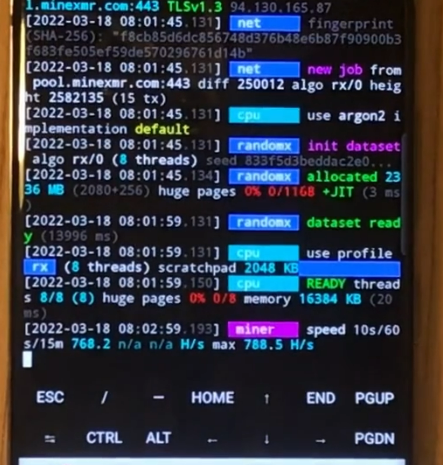
⚙️ Monero (XMR) Mining on Samsung Phone in Termux 📱
In this guide, I show how to mine Monero (XMR) directly on a Samsung Android phone using Termux and XMRig.
This is a fun experiment to see what kind of performance you can squeeze out of a mobile ARM CPU ⚙️💪
🎥 Video Tutorial
🧰 Step-by-Step Installation
- 🔄 Update all packages:
apt update
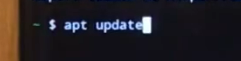 2. ⬆️ Upgrade installed packages:
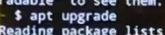
apt upgrade
2. ⬆️ Upgrade installed packages:
apt upgrade
 3. ⚙️ Install required tools:
apt install proot wget git

🐧 Installing Ubuntu in Termux
- 📥 Clone Ubuntu installer for Termux:
git clone https://github.com/MFDGaming/ubuntu-in-termux.git
 5. 📂 Enter the cloned folder:
cd ubuntu-in-termux
 6. 🔒 Make the install script executable:
chmod +x ubuntu.sh
 7. ▶️ Run the installation script:
./ubuntu.sh
 8. 🐧 Start Ubuntu:
./startubuntu.sh

⚙️ Setting Up Inside Ubuntu
- 🔄 Update repositories:
apt update
 10. ⬆️ Upgrade all packages:
sudo apt upgrade
 11. 🧩 Install build dependencies:
sudo apt install wget proot git build-essential cmake libuv1-dev libmicrohttpd-dev libssl-dev

🧱 Building XMRig Miner
- 📥 Clone XMRig source code:
git clone https://github.com/xmrig/xmrig
 13. 📂 Enter the cloned directory:
cd xmrig
 14. 🏗️ Create a build directory:
mkdir build

cd build
 15. ⚙️ Compile the miner:
cmake -DWITH_HWLOC=OFF ..

make

📝 Configuring the Miner
- ▶️ Try running the miner:
./xmrig
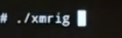 The miner stops and reports that a configuration file is missing ❌
- 🚪 Exit Ubuntu:
exit
 18. 📂 Grant Termux storage access:
termux-setup-storage
 19. 🐧 Restart Ubuntu:
./startubuntu.sh
 20. 🧾 Create your config file:
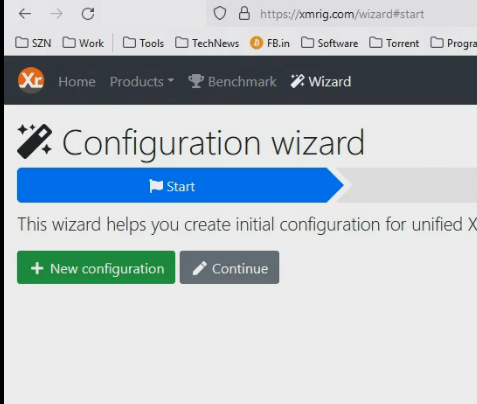
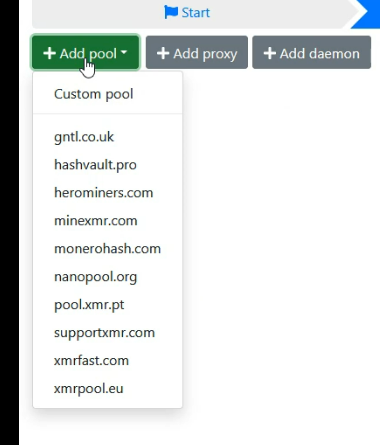
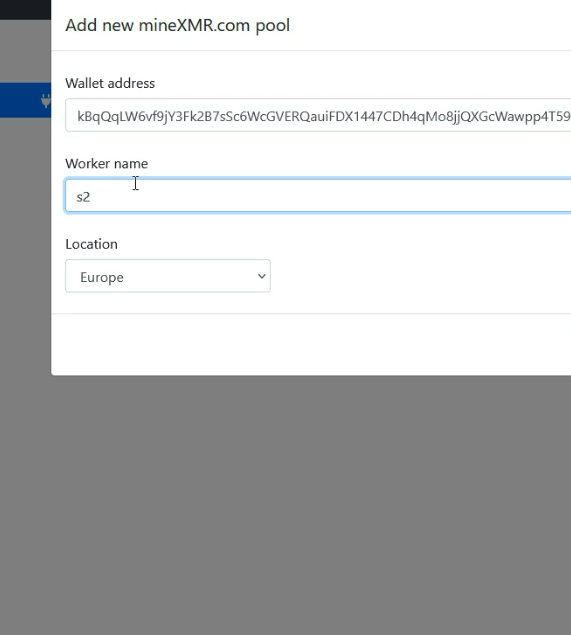
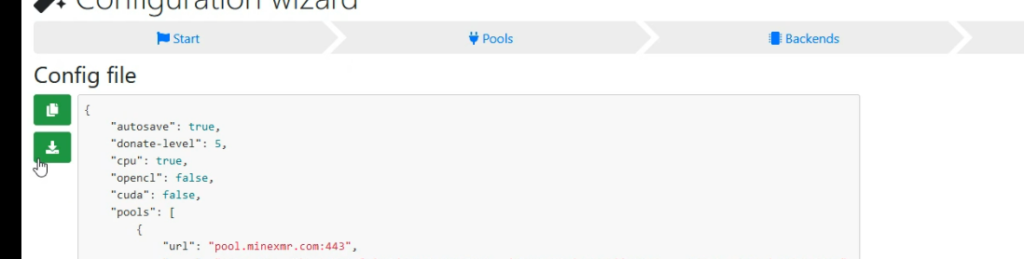
* Go to [xmrig.com](https://xmrig.com/wizard)
* Add your **pool** (e.g. `minexmr.com`)
* Add your **wallet address** and **worker name**
* Download the generated `config.json` file
* Save it to your phone’s storage and copy it into the XMRig directory
⚡ Running the Miner
- ▶️ Start the miner again:
./xmrig
 22. 🎉 The miner starts successfully!
🚀 Average mining speed: ~788 H/s ⚡
📊 Not profitable, but great for learning and experimenting!