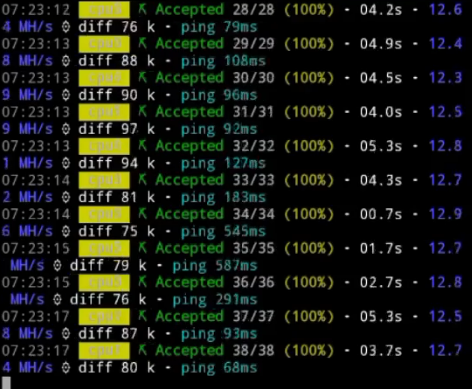
⚙️ Duino Coin Mining on Blackview BV6600 Pro 📱
This guide explains how to mine Duino Coin using a Blackview BV6600 Pro Android phone with UserLand running Ubuntu 🐧. The goal is to test CPU performance and see how the rugged phone handles mining workloads 🔋💻
🎥 Video Tutorial
🧰 Step-by-Step Installation
🛍️ Install F-Droid
Search for F-Droid online or visit f-droid.org
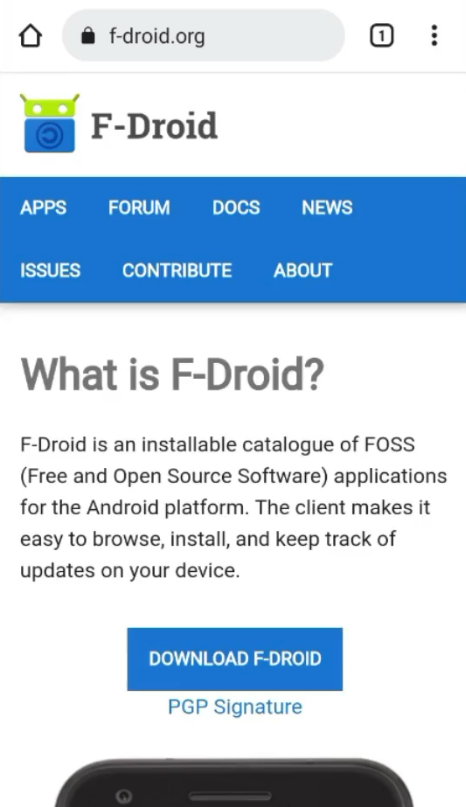
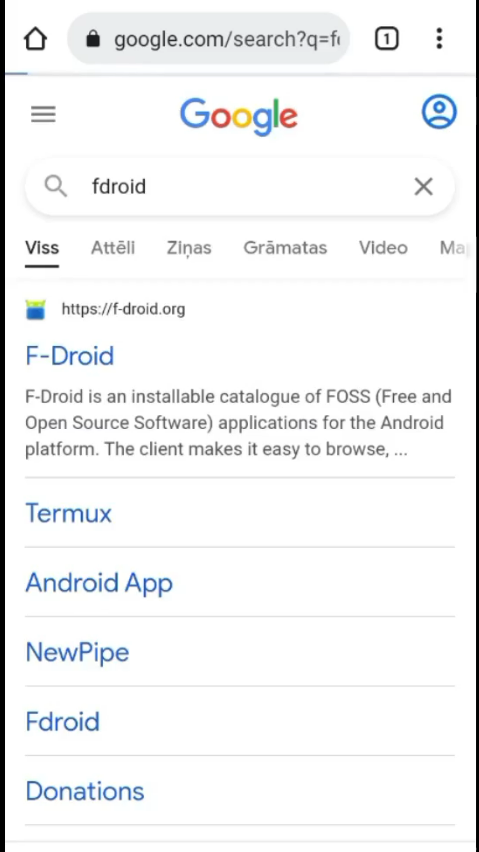 Download and install the F-Droid application
🧩 Install UserLand
Open F-Droid
Search for and install the UserLand app
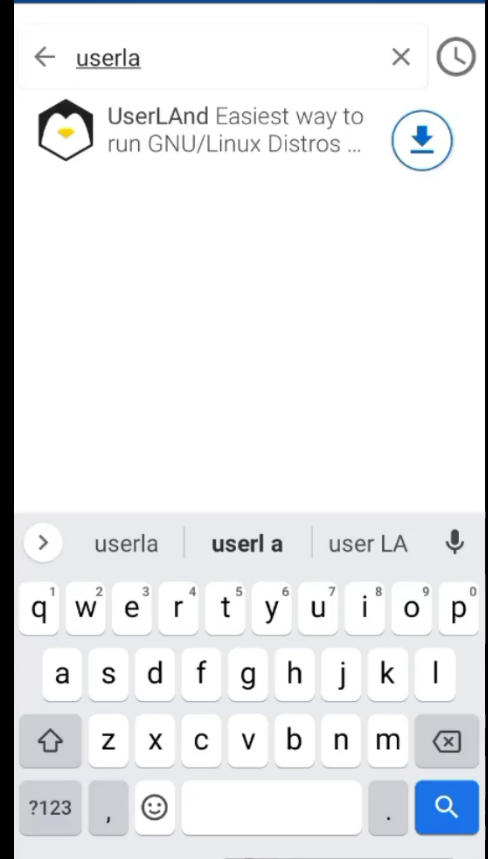
🐧 Launch Ubuntu in UserLand
Open UserLand and choose Ubuntu
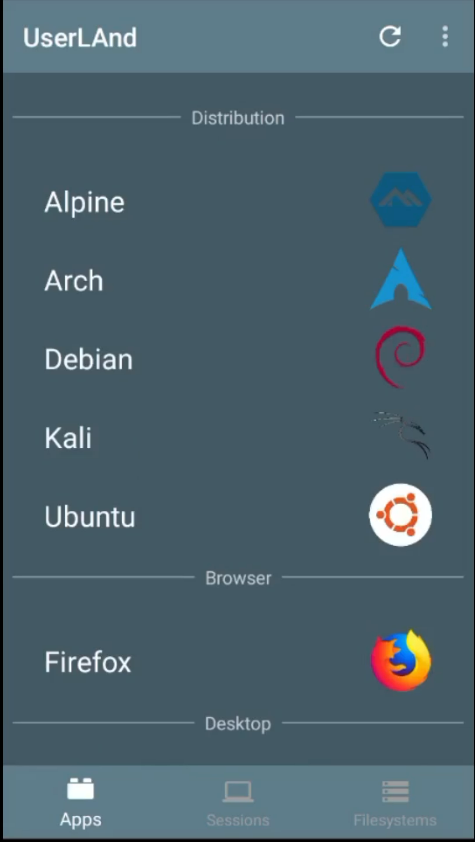
Enter:
- Username 👤
- Password 🔑
- VNC password (for graphical access)
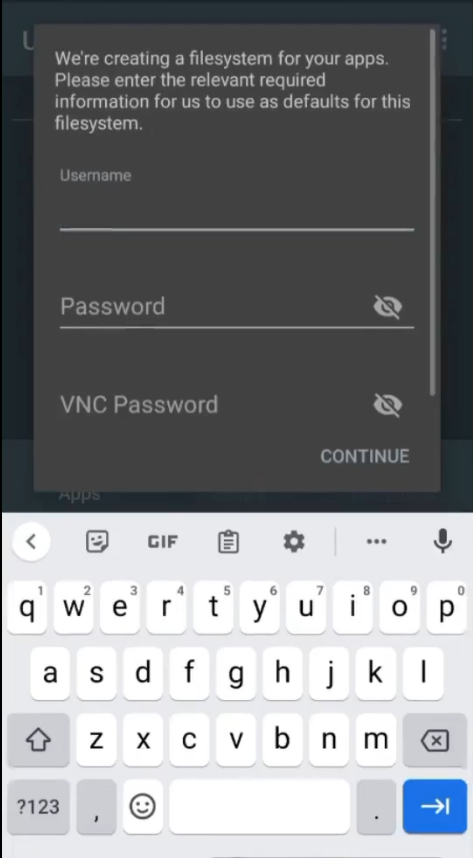 On the next screen, choose SSH
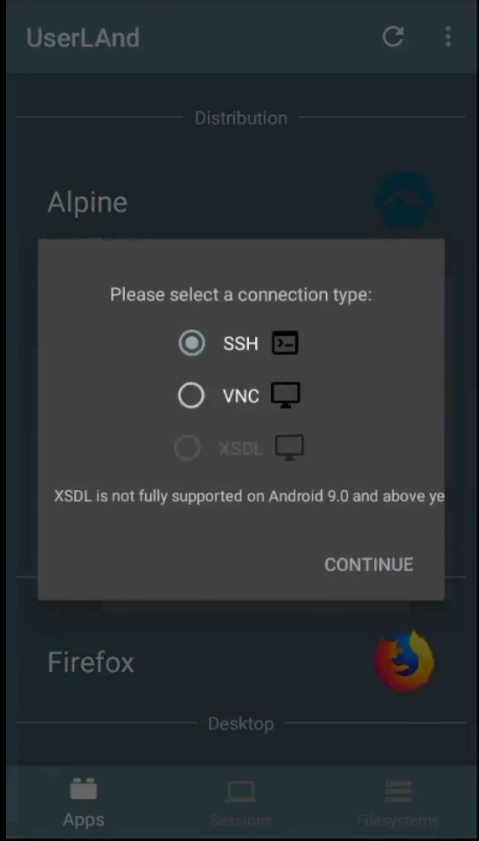
🔑 Login
When Ubuntu finishes setup, enter your defined password
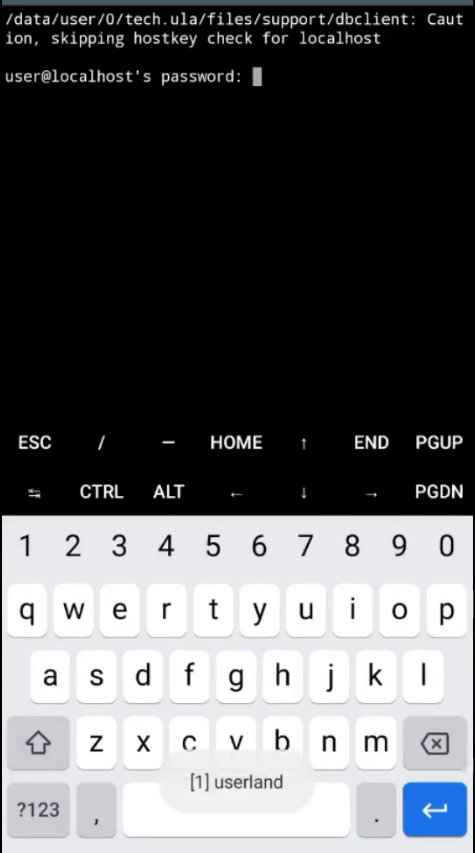
🧱 Installing Duino Coin Miner
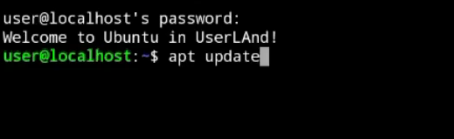
🔄 Update repositories:
apt update
⬆️ Upgrade the system:
sudo apt upgrade

⚙️ Install required dependencies:
sudo apt install git python3 python3-pip python3-dev

📥 Clone the Duino Coin source code:
git clone https://github.com/revoxhere/duino-coin.git

📂 Enter the cloned directory:
cd duino-coin

▶️ Run the miner:
python3 PC_Miner.py

🧾 Miner Configuration
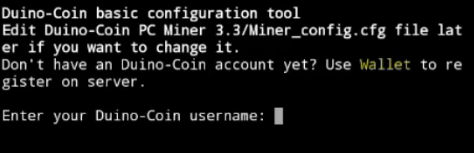
When prompted, enter:
- 👤 Duino Coin username
- 🔑 Mining key
- 🎯 Difficulty
- ⚙️ Intensity
- 🏷️ Rig name
- 💰 Donation level
⚡ Performance Result
🚀 Average hash rate: ~12.8 MH/s 💡 Mining Duino Coin on a phone isn’t profitable, but it’s a fun benchmark to test the CPU performance of rugged Android devices like the BV6600 Pro 🔋📲