Today I will show how to run ⛏️ Monero XMR mining on an Apple Mini 2014 using the XMRig miner.
🔎 Download XMRig for macOS
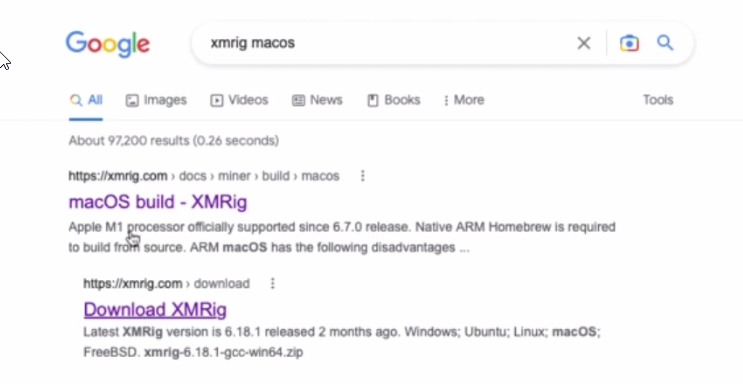
First, search in Google for XMRig for Mac.
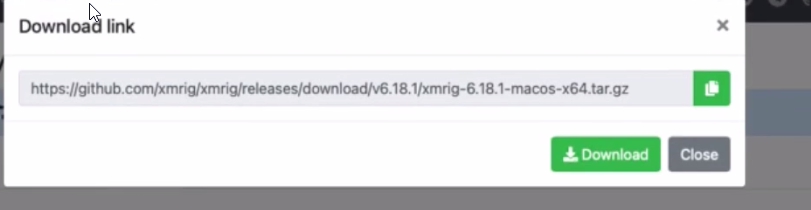
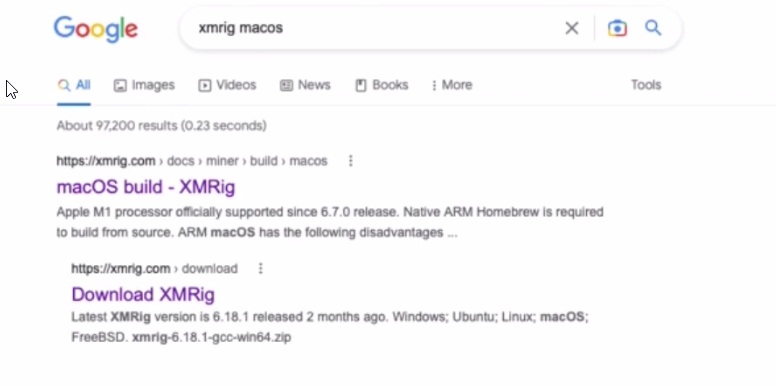 Download the macOS version.
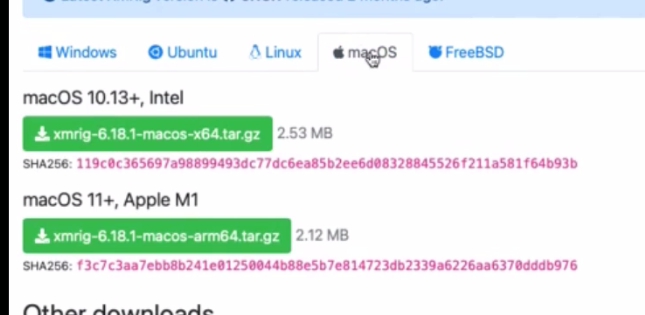 🍏 I selected the version for Intel CPU.
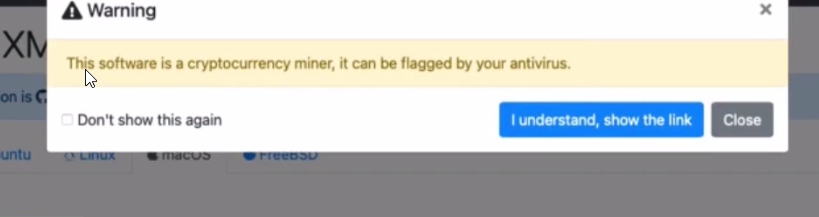
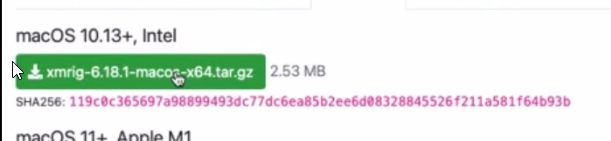 ⚠️ Accept the security warning and download the archive.
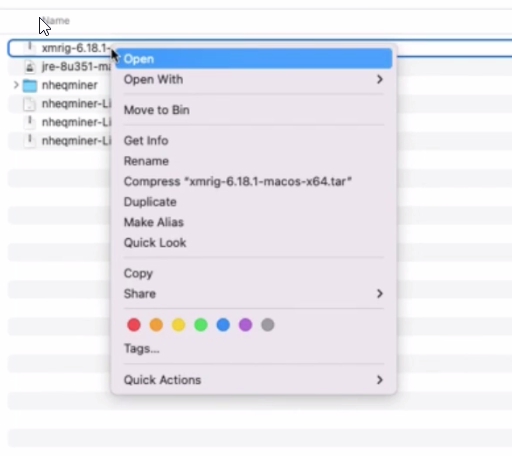
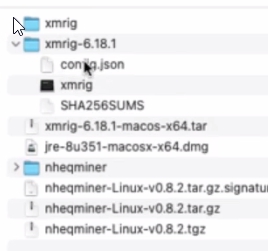
 After downloading: 📦 Extract the downloaded file
⚙️ Create XMRig Config File
Go to the official XMRig website and generate a config file with your mining pool and wallet address. If you already have a config file, you can skip this step.
Steps:
Press Wizard
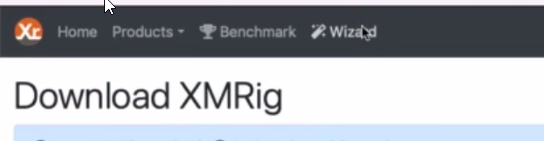 Select New configuration
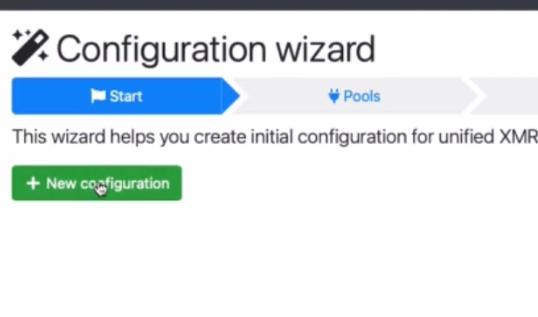 Add mining pool
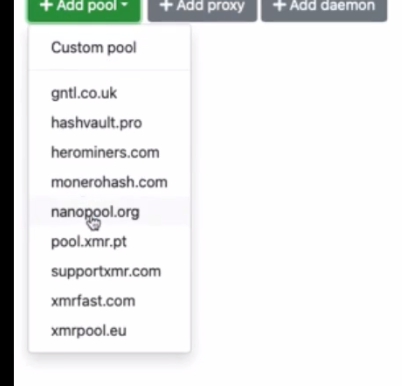
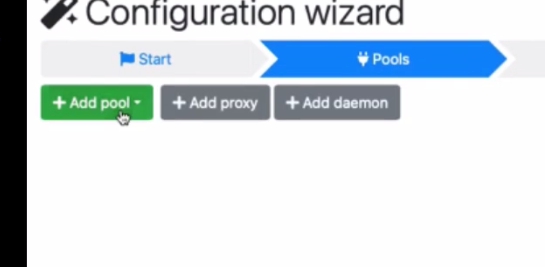 I selected Nanopool.org
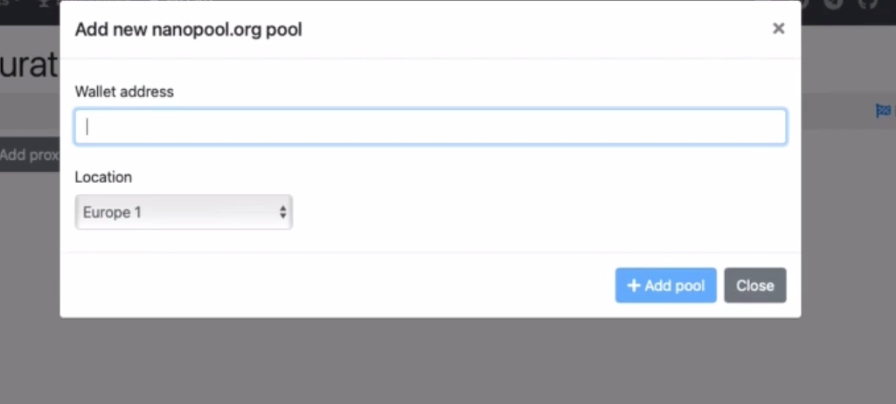
 Enter your 💰 wallet address
 In the last tab, download the generated config file
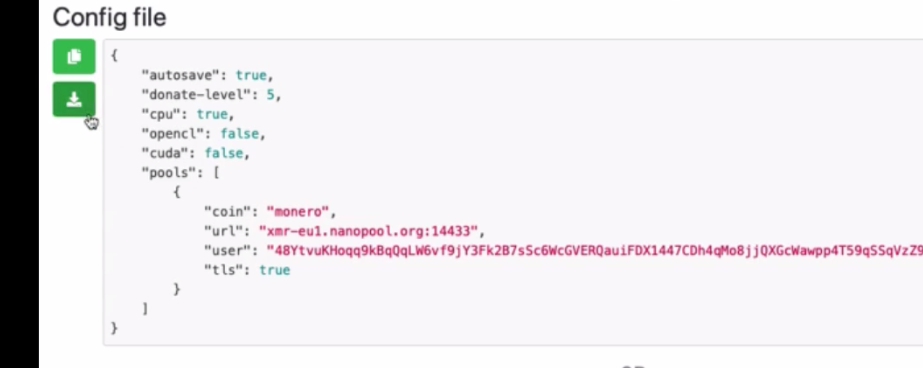 📁 Copy the config file into the XMRig folder.
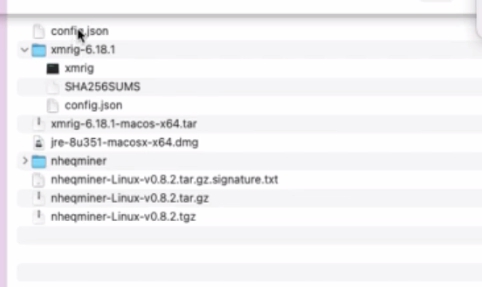
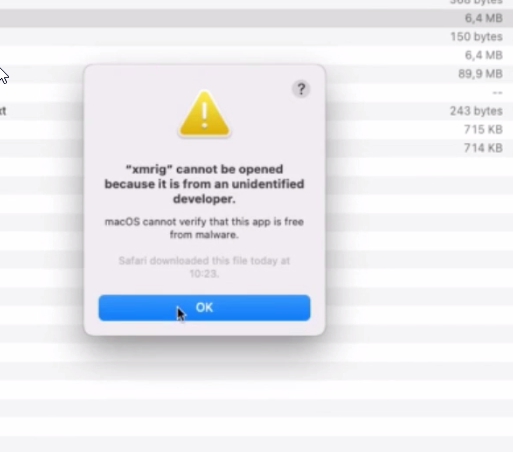
🚫 macOS Blocks Miner Launch
When trying to launch XMRig, macOS may block the miner from running.
Because of this, I decided to compile the miner from source code.
🛠️ Compile XMRig from Source
Search results first link contains instructions on how to build XMRig for macOS.
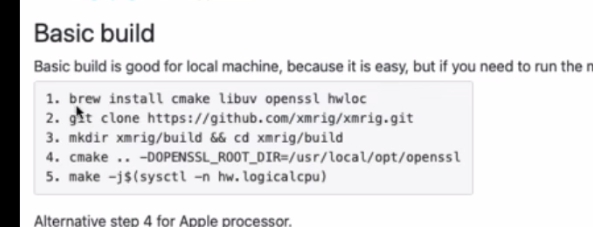 Open terminal and run:
brew install cmake libuv openssl hwloc
 But I got an error:
brew: command not found
 That means 🍺 Homebrew is not installed.
🍺 Install Homebrew
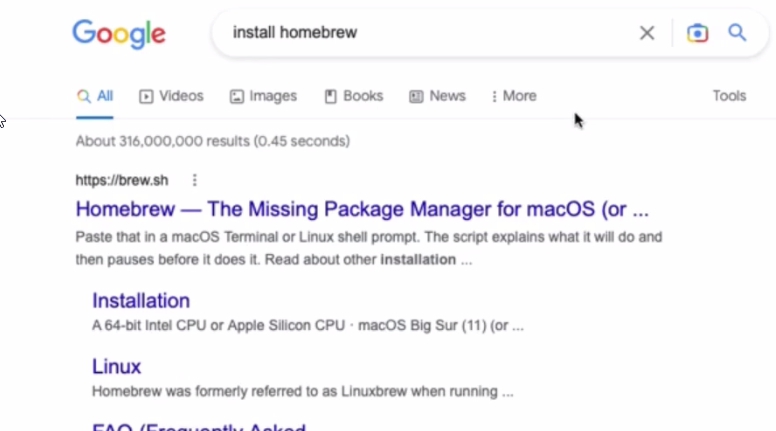
Search how to install Homebrew.
On the official installation page I found this command:
/bin/bash -c "$(curl -fsSL https://raw.githubusercontent.com/Homebrew/install/master/install.sh)"
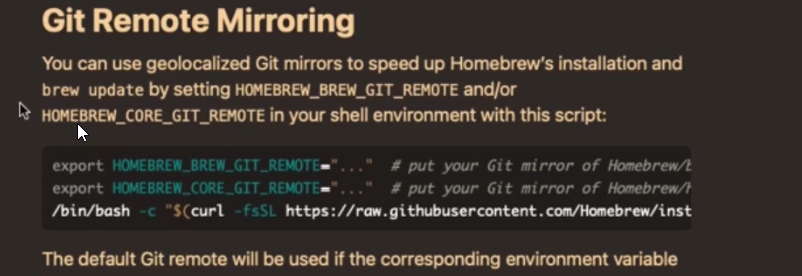 Copy and run it in terminal.
📦 Install Build Dependencies
After Homebrew installation completes, run again:
brew install cmake libuv openssl hwloc
 Then clone XMRig source code:
git clone https://github.com/xmrig/xmrig.git

🏗️ Build XMRig
Run:
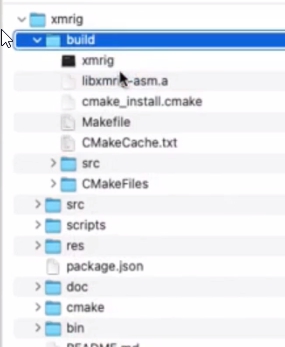
mkdir xmrig/build && cd xmrig/build
 Next command:
cmake .. -DOPENSSL_ROOT_DIR=$(brew --prefix openssl)
 And finally build the miner:
make -j$(sysctl -n hw.logicalcpu)

📄 Copy Config File
Copy the previously generated config file into:xmrig/build
▶️ Start Mining
Run miner from terminal:
./xmrig

📊 Mining Performance
On my 🍏 Apple Mini 2014 I get around: 820 H/s
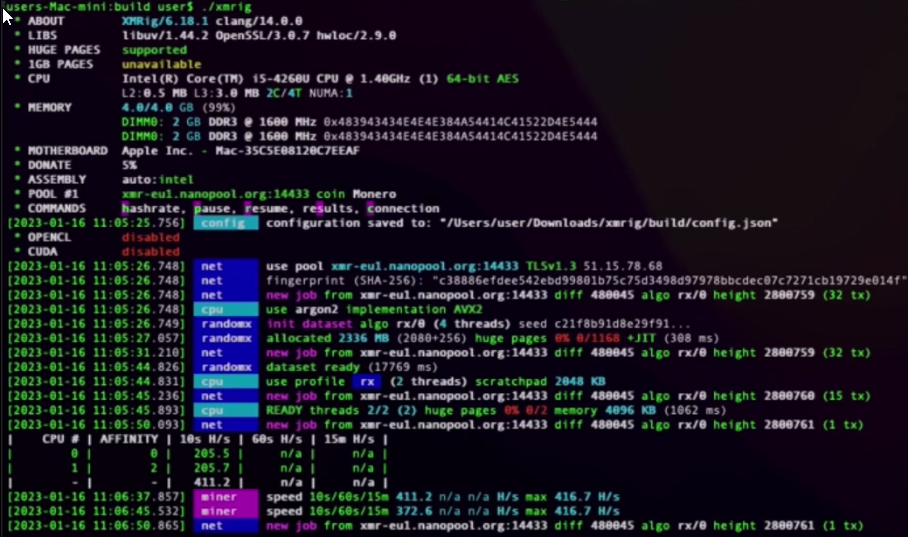 🤔 I think this is about the same performance as my 📱 Samsung S9 phone.
⛏️ Happy mining!