Mikrotik: Send Email from Script Without Configured Email Client
This guide shows how to send an email from a Mikrotik router script without setting up the email client in the UI.
🎥 Video Tutorial
Steps to Send Email from a Mikrotik Script
1. Connect to Router
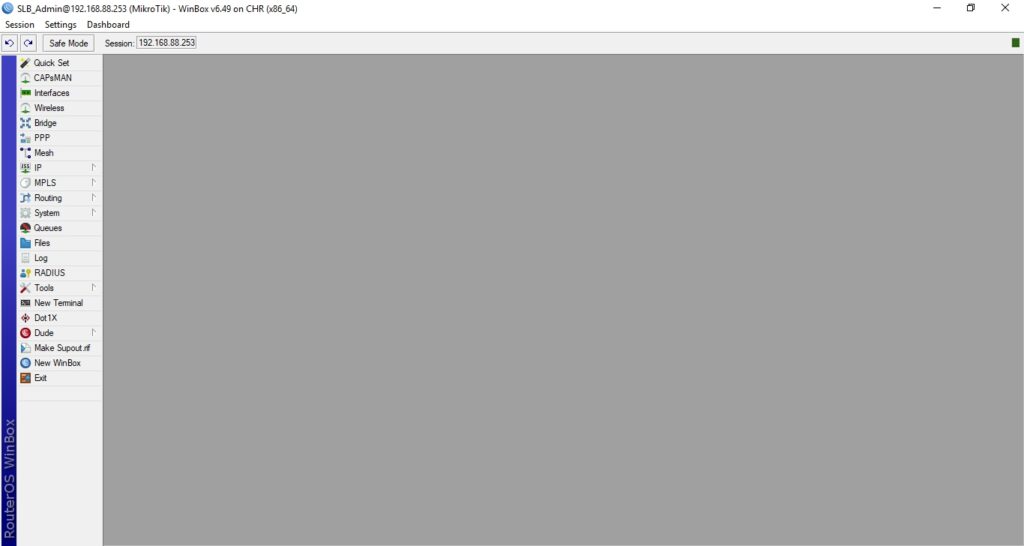
- Use Winbox to connect to your Mikrotik router.
2. Open the Scripts Section
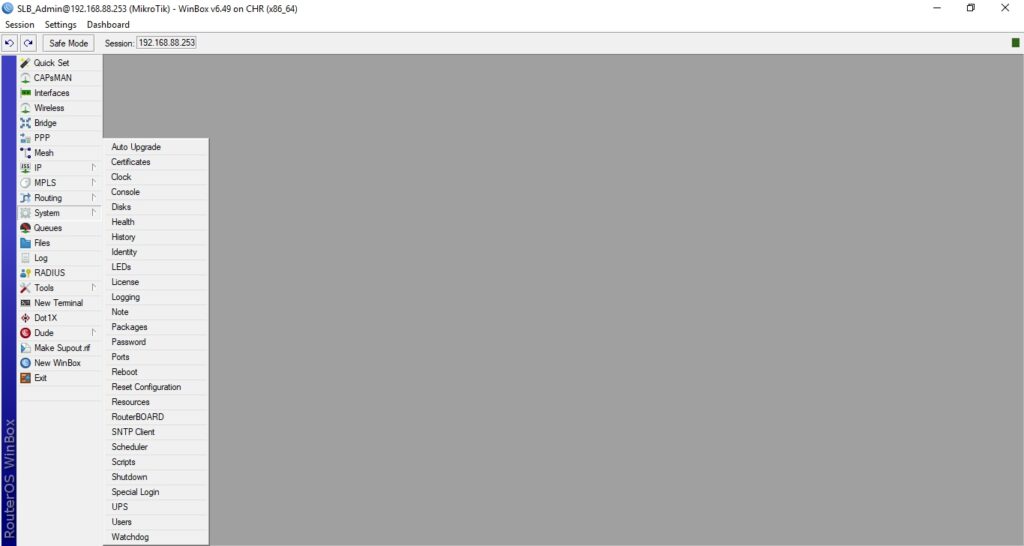
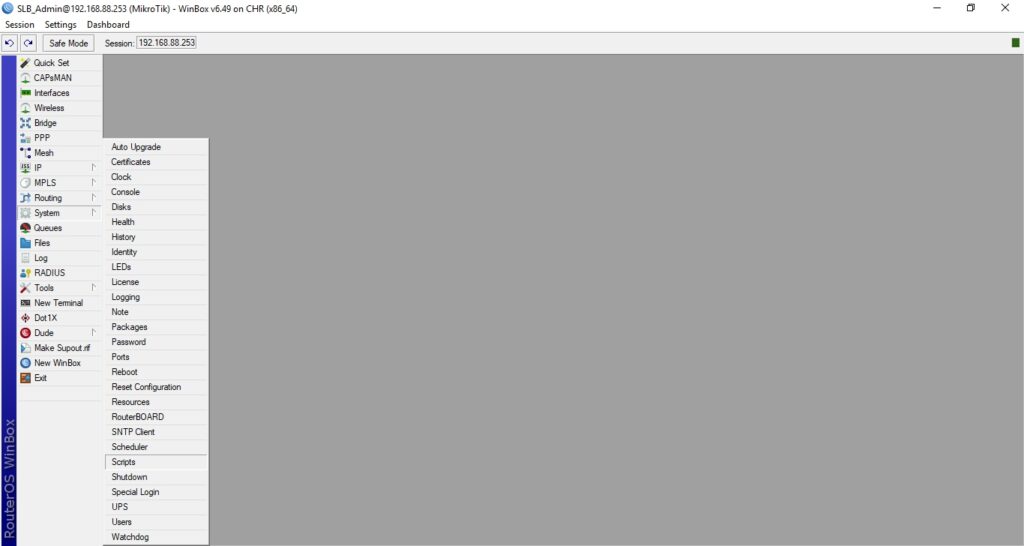
- Navigate to:
System → Scripts
3. Create a New Script
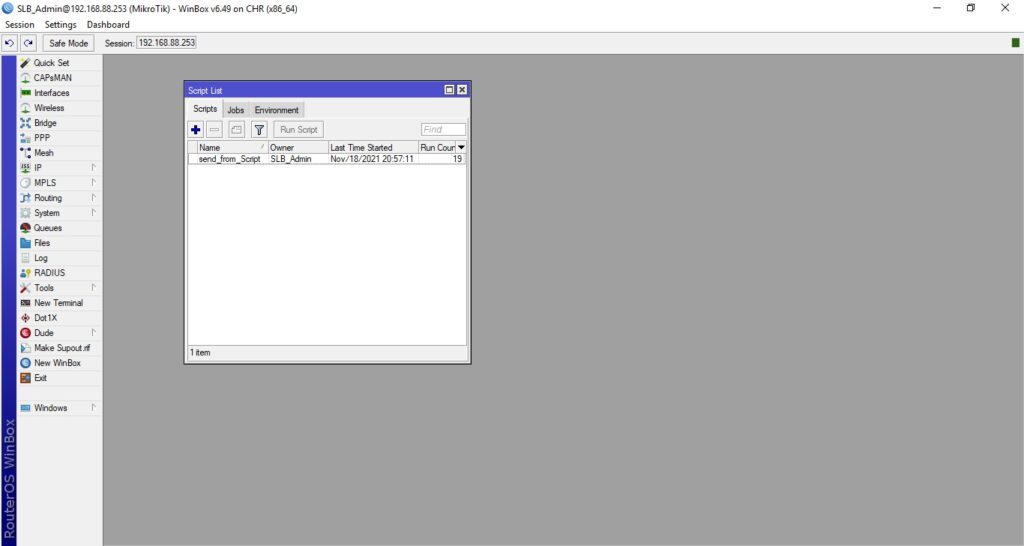
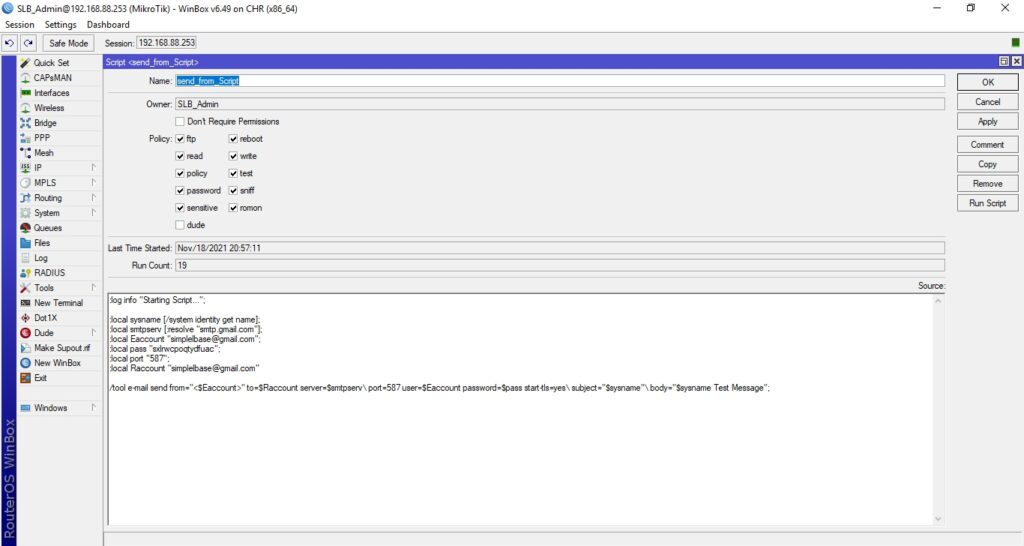
- Click on Add New and paste the following script:
:log info "Starting Script...";
:local sysname [/system identity get name];
:local smtpserv [:resolve "smtp.gmail.com"];
:local Eaccount "youremail@gmail.com";
:local pass "YourPassword";
:local Raccount "EmailWhereToSend@gmail.com"
/tool e-mail send from="<$Eaccount>" to=$Raccount server=$smtpserv\ port=587 user=$Eaccount password=$pass start-tls=yes\
subject="$sysname"\ body="$sysname Test Message";
4. Apply and Run the Script
- Press Apply
- Click Run Script
5. Check for Results
- Open Logs to see script output.
- Check the recipient's email inbox for the test message.

🔒 Note
- This script uses plain text credentials — avoid using this method in production unless secured.
- For Gmail, make sure Less secure app access is allowed or use an App Password if 2FA is enabled.